
Technology·News & analysis
Samsung Gallery can now back up your photos to Google storage
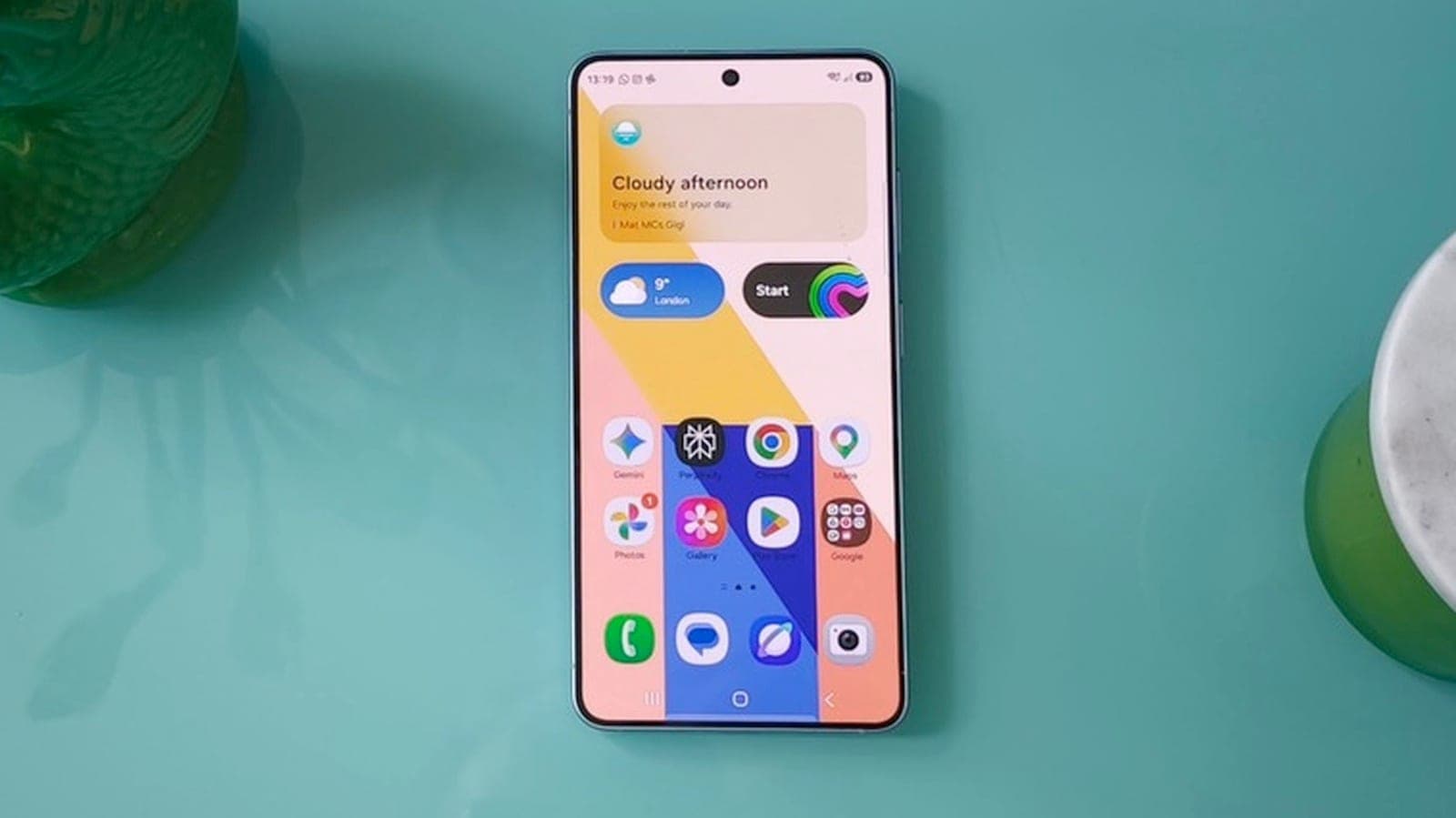
Samsung's Gallery app can now sync photos and videos to your Google account on select Galaxy devices running One UI 9, after the OneDrive option ended in September.

Tide
Wave
Sci-fi
3/10
Reality
Shipping
Your photo roll, following you from phone to tablet.How we rate
Samsung's Gallery app can now sync photos and videos straight to a Google account on select Galaxy devices running One UI 9.
Synced media shows up in Google Photos and in Gallery on other Galaxy devices, and it uses your Google storage, which starts at 15GB free. The feature replaces the OneDrive sync Samsung ended in September. Samsung says it will reach more devices in phases.
What to know
- Samsung's Gallery app can now sync photos and videos to a Google account, so you no longer need the Google Photos app just to back up.
- The feature works on select Galaxy devices running One UI 9.0 or later, and Samsung says it will reach more devices in phases.
- Synced media counts against your Google storage: 15GB is free, and extra space is sold as a Google One plan.
- Deleting a synced photo in Gallery or in Google Photos removes it from both apps and from the cloud.
Samsung's Gallery app can now back up your photos and videos to your Google account. If you have ever wondered why a Samsung phone asked you to use Google's app for that, this is the fix.
What is actually new?
Until now, the cloud backup built into Samsung's Gallery app went to Microsoft OneDrive. Samsung ended that option in September 2026. Its replacement is Google: Gallery can now sync with your Google account.
"Sync" means two things at once. Your photos are copied to the cloud, which is storage kept on a company's servers. And the same library is kept in step across your devices.
Before this update, backing up to Google storage on a Samsung phone meant using the Google Photos app, either instead of Gallery or next to it. Now you can stay in Gallery if you prefer it.
Which phones can use it?
The feature is available on select Galaxy devices running One UI 9.0 or later. One UI is Samsung's skin on top of Android, the look and feel of its phones and tablets.
Samsung says the rollout will continue in phases and reach more devices. So if your phone is on an older version, or you do not see the option yet, it simply may not have reached you.
- Needs: One UI 9.0 or later.
- Needs: an internet connection. Changes sync on their own when you reconnect.
- Needs: a personal Google account.
How do I turn it on?
The setup takes about a minute:
- Open the Gallery app.
- Tap the Cloud icon, or open Gallery Settings.
- Switch on Sync photos and videos.
- Choose your Google account and tap Continue.
- Tap Sync now.
You can also open Albums to sync and pick only some albums. Local folders such as Downloads or Screenshots can be chosen too. You can even stop syncing your main camera roll while still backing up chosen folders.
In real life Say you take 40 photos at a birthday party on your phone. With sync on, you can open Gallery on your Galaxy tablet later and see them there, without sending anything to yourself.
How does it work across devices?
Sign in to the same Google account on another Galaxy device and switch on sync there too. You will see previews of your synced photos and videos. These are small versions that load quickly.
To get an original file, select it and download it. That keeps your tablet from filling up with every photo you have ever taken.
The same library also appears in Google Photos. Samsung says that media backed up through Gallery is saved in original quality, not shrunk down.
Why it matters: your photos are no longer stuck on the device that took them. Lose a phone, and the pictures are still in your account.
What about free space on my phone?
Phones fill up fast, and photos and videos are usually the biggest reason. Gallery now has a Free up space option in the sync settings.
It deletes the original files from your phone or tablet once they are synced to Google storage. The small previews stay visible in Gallery, so your library still looks complete.
The catch: the originals now live only in the cloud on that device. If you want to edit or share one, you download it first, so use this option when you have a connection.
What does it cost?
The sync feature does not add a fee. But photos use your Google storage, and that storage is shared with the rest of your Google account, including Gmail and Drive.
| Item | Detail |
|---|---|
| Free storage | 15GB per Google account |
| Google One, 100GB | $2 a month |
| Google One, 200GB | $3 a month |
Google also gives a free 15GB once you verify a phone number, and the free tier is shared across Google's services. A photo-heavy phone can fill it quicker than you think.
By the numbers: a few thousand photos and some long videos can pass 15GB with ease. Check your storage page before you switch on a full camera roll sync.
What are the rules and limits?
Samsung's own help page lists several details that are worth knowing before you flip the switch:
- Deletions sync: delete a photo in Gallery or in Google Photos, and it is removed from both apps and from cloud storage.
- Edits are saved: when you edit a synced photo, the changes are backed up. Depending on the app, you may see both the original and the edited version.
- No double uploads: photos already uploaded by Google Photos backup are not copied again.
- SD cards: these are not supported directly. Move files to internal storage first.
- Accounts: accounts supervised by a parent and Google Workspace accounts cannot use the feature.
Because deletions sync, sync is not the same as a safety copy that stays put. It mirrors what you do. Delete something by mistake and it leaves the cloud too.
Why did Samsung switch from OneDrive to Google?
Samsung had used OneDrive for the Gallery's cloud sync for about five years. Before OneDrive, Gallery synced with Samsung's own cloud service. Microsoft OneDrive support ended on September 30, 2026, and the Google option was spotted in testing weeks earlier.
Samsung had also brought Google Photos integration to its newer TVs, those launched in 2025 or later. So the two companies have worked together on photos before.
OneDrive is also changing on Microsoft's side. Our story on Microsoft 365 moving Family plans to 2 TB of shared storage covers how much space those plans now get.
What changed behind the scenes?
The feature runs on two Samsung apps that update through the Galaxy Store. One is Gallery itself, and the other is a system app called Gallery Cloud Sync. This is the app that talks to Google's servers for you.
Before the launch, the versions that carried the code were Gallery 15.9.01.7 and Gallery Cloud Sync 1.6.09.31. Some testers switched the feature on early and shared screenshots of the settings. Those showed your free Google storage, controls for syncing, a clean-up option and a way to buy more space.
Early previews also showed choices to sync only over Wi-Fi or while roaming, which means using another country's mobile network. Check the settings on your own phone for the final list, because the exact options can differ by device.
Why it matters: the update comes through the app store, not a full system upgrade. That is how Samsung can add it to more devices in phases.
What if I change my mind?
You can turn sync off in the same settings. Samsung's help page says that switching it off stops new backups and removes access to cloud media inside Samsung apps.
It does not cut the link between the two services. The connection to your Google storage stays in place until you remove it. Your photos in Google Photos remain in your Google account unless you delete them there.
What it means for you
- Galaxy owners with One UI 9: look for Sync photos and videos in Gallery. If it is missing, it should arrive with a later rollout.
- Anyone who used OneDrive sync: your Gallery backup now has a new home, so set up Google sync and check what was already saved.
- Small Google plans: 15GB goes quickly. Check your storage before syncing everything, or choose specific albums.
- Careful deleters: remember that a deletion in one place removes the photo everywhere.
The bottom line
Samsung Gallery now lets you back up to Google without leaving the app. It works across Galaxy devices, uses your Google storage and replaces the OneDrive option that ended in September.
It is a small switch with a big everyday effect: your photos are safer and easier to reach. Just keep an eye on your storage and on what you delete.
Key facts
- Needs
- One UI 9.0 or later
- Free storage
- 15GB per Google account
- Setting
- Sync photos and videos
- Replaces
- Microsoft OneDrive sync
Got questions?
Quick answers, plain wordsWhat does Samsung Gallery sync with Google do?
It backs up the photos and videos in Samsung's Gallery app to your Google account. The same media then shows up in Google Photos and in Gallery on other Galaxy devices that use the same account.
Which phones get it?
Select Galaxy phones and tablets running One UI 9.0 or later. Samsung says it will roll out to more devices in phases, so it may not be on your phone yet.
How do I turn it on?
Open Gallery, tap the Cloud icon or go to Gallery Settings, and switch on Sync photos and videos. Then pick your Google account, tap Continue and tap Sync now.
Is it free?
The feature itself costs nothing, but your photos use your Google storage. Every Google account starts with 15GB for free. Past that, you need a paid Google One plan.
What happens to OneDrive?
Samsung ended the Gallery app's Microsoft OneDrive sync in September 2026. The Google option is its replacement inside the same app.
If I delete a photo, is it gone everywhere?
Yes. Samsung says deletions sync: remove a photo in Gallery or in Google Photos and it is removed from both apps and from cloud storage.
Will my photos be uploaded twice if I already use Google Photos backup?
No. Samsung says photos already uploaded through Google Photos backup are not duplicated when you also turn on Gallery sync.
Can I choose which albums to back up?
Yes. You can pick albums and local folders such as Downloads or Screenshots, and you can stop syncing the main camera roll while still syncing chosen folders.
Does it work with work or child accounts?
No. A personal Google account is required. Accounts supervised by a parent and Google Workspace accounts (the business and school kind) cannot use the feature.
Can I free up space on my phone after syncing?
Yes. A Free up space option deletes the original files from the device and keeps small previews in Gallery. You can download an original again whenever you need it.
SourcesSamsung
Topics and tagsGoogle, samsung, galaxy, google photos
Related stories

Samsung will build Nvidia's custom memory base dies at TSMC, report says
Nvidia asked all three of its memory suppliers to make the bottom layer of its new NVHBM chips on TSMC's 3nm process, and Samsung said yes.
Phone shipments just had their worst third quarter since 2012, and memory chips are why
Counterpoint Research says global smartphone shipments fell 20% in the third quarter as the memory chip shortage squeezed supply, while Samsung and Apple grabbed a bigger slice of a smaller pie.
Samsung just made the Galaxy S26 the third big phone line to get more expensive over memory costs this week
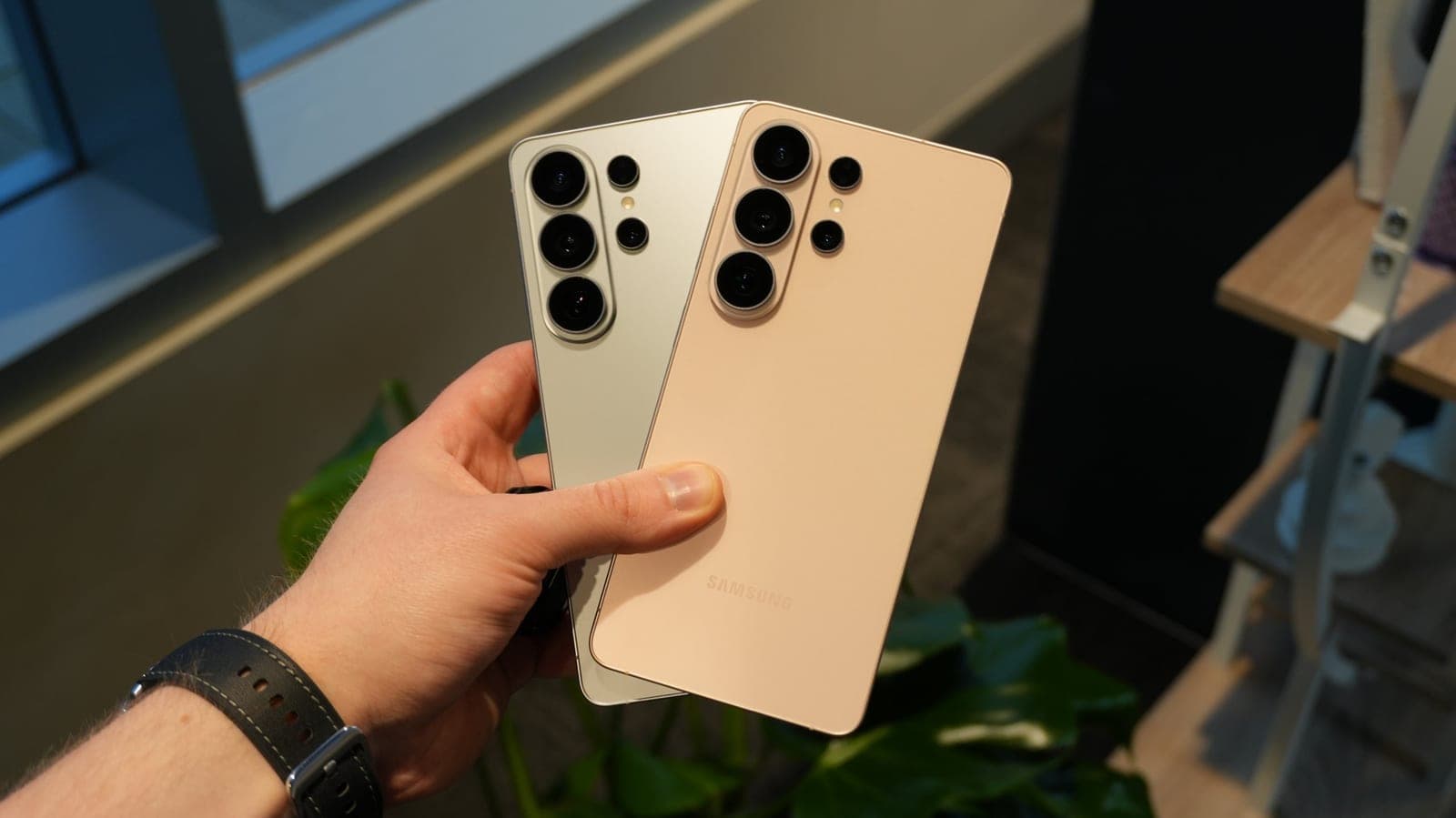
Samsung quietly raised US prices on most of the Galaxy S26 lineup by $100, and by $200 on the 1TB Ultra, citing the same memory chip shortage that's already pushed up prices from Huawei and PC makers.
More in brief
- FAA lifts a nationwide ground stop after a communications outageNov 14
- Tesla opens Cybercab orders at $29,990, plus $299 a month to drive itNov 14
- Apple Sports adds UFC with live stats for every fight on the cardNov 13
- LangChain raises $300 million at a $3 billion valuation for AI agentsNov 13
- SignDrop, a new Windows zero-day, gives attackers full System rightsNov 13
- Microsoft's AI Frontiers research group is over, says co-founder John LangfordNov 13