
Technology·News & analysis
SignDrop, a new Windows zero-day, gives attackers full System rights
A researcher with a long feud against Microsoft published SignDrop, an unpatched Windows flaw that turns a normal account into the most powerful one on the PC.


Tide
Ripple
Sci-fi
3/10
Reality
Shipping
A lock that opens itself when the guard knocks.How we rate
A researcher using the name Nightmare Eclipse published SignDrop, an unpatched Windows flaw that lets a local user gain System rights, the highest level in Windows.
It abuses a protection Microsoft added to the Common Log File System in October 2025. It was shown on Windows 11 26H2, though Will Dormann found it works on only some of them. Microsoft has not commented, and no patch exists yet.
What to know
- A researcher using the name Nightmare Eclipse published SignDrop, a Windows zero-day that gives a local user System rights.
- The flaw sits in the Common Log File System and comes from a protection Microsoft added in October 2025.
- It was shown working on Windows 11 26H2 and Windows Server 2025 Experimental builds, and there is no patch yet.
- Researcher Will Dormann reproduced it but found it works only on some 26H2 systems, so the real number at risk is unclear.
A researcher who goes by Nightmare Eclipse has published another unpatched Windows flaw this week, and this one turns a security protection against itself. It is called SignDrop. So how does a safety feature end up helping an attacker?
What is SignDrop?
SignDrop is a zero-day, which means a flaw that goes public before the company that makes the software has fixed it. Attackers get a head start, because nobody has had time to build a patch.
This one is a privilege escalation bug. That is a flaw that lifts a user from a normal account to something far stronger. Here, the result is System rights, the top level in Windows. A program with System rights can change almost anything on the computer.
The flaw does not break into a PC from the outside. The attacker must already be on the machine with an ordinary account. SignDrop is the step that comes after a first break-in.
In real life Think of a hotel guest who has a room key but gets the master key by tricking the housekeeping cart. The guest was already inside the building. The trick turns one room into every room.
Where does the flaw live?
The bug is in the Common Log File System, or CLFS. Microsoft describes it as a general-purpose logging service used by software running in user mode or kernel mode. In plain words, it is a built-in notebook where programs and Windows itself write down what they do.
CLFS has had security problems before. In October 2025 Microsoft added a protection to make it harder to abuse. That protection checks an authentication file that goes with each log.
The researcher says attacks on CLFS dropped sharply after that change. SignDrop shows that the same protection created a new opening.
How does the trick work?
The attack uses a trusted Windows program as a helper. Here is the sequence, as the researcher describes it:
- Step 1: A normal user creates a log file and points it, using shortcuts called symbolic links, at a place of their choosing.
- Step 2: The attacker makes a privileged program, such as Windows Defender, open that log file. Defender does this through a legitimate function it uses to process antivirus signature updates.
- Step 3: If the matching authentication file is missing, CLFS creates it, and it does so with the System rights of the program that opened the log.
- Step 4: CLFS gives the new file the same access list as the original file. The attacker can then reach a file that was created with System rights.
The catch: Each step looks normal on its own. CLFS checks access correctly at the start. The problem only shows up when a different, more powerful program opens the file later.
The researcher wrote that "everything is done properly by Microsoft here but the logic allows abuse." In other words, nobody made an obvious mistake. The pieces simply fit together in a way no one planned.
Why does the antivirus angle matter?
Most security programs protect themselves. This is often called tamper protection. It stops other software from changing or switching off the security tool.
The researcher says SignDrop can get around that for any antimalware engine. The reason is that the file request appears to come from the security program's own trusted process. From the point of view of the program's low-level drivers, the request looks legitimate, so it passes.
If that holds up, it would let an attacker turn off an antivirus or an EDR. EDR means endpoint detection and response, the monitoring tools companies run on their computers to spot attacks.
This is the researcher's claim. It has not been tested against every product, so treat it as unconfirmed.
Which PCs are at risk?
The researcher says SignDrop worked on Windows 11 26H2, Windows 11 26H2 Experimental and Windows Server 2025 Experimental. The estimate is that 80% of Windows installations are vulnerable.
Independent testing paints a narrower picture. Researcher Will Dormann reproduced the attack and said it works as described. But Dormann said the requirements matter: it seems to need Windows 26H2 on a system that has existed for more than 90 days. A new 26H2 install that is fully updated would not work.
Dormann said that out of the many machines in use there, only one met the conditions. Microsoft rolls out Windows updates in stages, so it is not clear how many people have 26H2 at all. You can check your own version by running the "winver" command.
By the numbers:
- 80%: the researcher's estimate of vulnerable installations.
- 1: the number of Dormann's test machines that met the requirements.
- 90 days: the age a 26H2 system seems to need before the attack works.
The gap between those numbers is the honest answer for now. Nobody outside the researcher has measured how many PCs are exposed.
How can you tell if a PC is vulnerable?
The researcher offers two checks. One is to run the researcher's proof-of-concept program, a small piece of code that shows the flaw works. If it opens a System command window, the machine is vulnerable.
The other is a setting in the registry, the database where Windows keeps its settings. The value is called Authentication\Mode under the CLFS service key. If it is 0 or 1, which stand for learning mode and enforcement mode, the machine is vulnerable.
Neither check is meant for home users. Running unknown exploit code on a real PC is a risk in itself, and editing the registry by mistake can break Windows. IT teams are the people who should look.
Can it be fixed?
For now, no. The researcher says there is no workaround other than waiting for a patch from Microsoft. Turning off the CLFS protection would stop SignDrop, but it would also bring back the memory-corruption attacks the protection was built to block. A memory-corruption bug is a flaw where a program writes data in the wrong place, which attackers can use to take control.
Microsoft representatives did not respond to a request for comment on SignDrop. So there is no official timeline yet.
Microsoft usually ships fixes on Patch Tuesday, the second Tuesday of each month, though it can release urgent fixes at other times.
Who is Nightmare Eclipse?
Nightmare Eclipse is the name used by a researcher who has been publishing Windows zero-days since April 2026. The person says they are a former Microsoft employee. The list includes BlueHammer, RedSun, UnDefend, YellowKey, GreenPlasma, MiniPlasma, LegacyHive, ShieldCrash, ShieldBreak and several more, many of them aimed at Microsoft Defender and BitLocker, the disk-encryption feature.
Microsoft has fixed some of them, including ShieldBreak, RoguePlanet, YellowKey, GreenPlasma and MiniPlasma. The others still lack an official patch.
The researcher also released several Windows zero-days five years ago. After those releases, Microsoft warned of legal action against anyone engaging in "malicious activity causing real harm" to its customers. Microsoft has also said that disclosures which put exploit code for unpatched flaws into the hands of bad actors are "never justifiable."
The dispute is public and ongoing. The researcher says Microsoft treated them badly, and Microsoft says publishing unfixed flaws puts customers at risk. We have no way to judge the personal claims, and this story is about the flaw.
What it means for you
- Home users: There is nothing to switch off. Install Windows updates as soon as a fix appears, and keep using your security software.
- Use a standard account: Day to day, work from an account without admin rights. SignDrop needs a foothold first, and a smaller foothold means a smaller risk.
- Be careful with downloads: Most first break-ins start with a bad file or a stolen password. Stopping that stops the chain.
- IT teams: Check the CLFS Authentication\Mode value on 26H2 machines and watch for a Microsoft advisory.
The bottom line
SignDrop is a real, unpatched flaw, but it is not a way into your PC from the internet. It helps someone who is already inside to gain full control.
How many machines are truly exposed is still unclear, with the researcher's 80% far from what independent testing found. Watch for Microsoft's answer and the next monthly update.
Key facts
- Name
- SignDrop
- Flaw lives in
- Common Log File System (CLFS)
- Result
- System rights from a normal account
- Tested on
- Windows 11 26H2 and Windows Server 2025 Experimental
- Patch
- None yet
Got questions?
Quick answers, plain wordsWhat is SignDrop?
SignDrop is a Windows zero-day, a flaw that was made public before Microsoft could fix it. It lets someone who already has a normal account on a PC gain System rights, the highest level in Windows.
Who found SignDrop?
A researcher who goes by the name Nightmare Eclipse published it this week. The same person has released many Windows zero-days since April 2026 and has a public dispute with Microsoft.
Can SignDrop hack my PC from the internet?
Not by itself. The attacker needs to be on the machine already, for example through malware or a stolen password. SignDrop then lifts their rights. That makes it a second-stage tool, not a way in.
Which versions of Windows are affected?
The researcher tested Windows 11 26H2, Windows 11 26H2 Experimental and Windows Server 2025 Experimental. Will Dormann says it seems to need a 26H2 system that has existed for more than 90 days.
Is there a patch for SignDrop?
Not yet. Microsoft did not answer a request for comment, and the researcher says nothing can be done but wait for a fix, because turning off the CLFS protection would open other holes.
How can I check if my PC is vulnerable?
Look at the registry value HKEY_LOCAL_MACHINE\SYSTEM\CurrentControlSet\Services\CLFS\Authentication\Mode. If it is 0 or 1, the machine is vulnerable. Home users should not edit it, and only IT staff should run the researcher's test program.
Should I turn off the CLFS protection?
No. The researcher says that doing so would expose devices to attacks that abuse memory-corruption bugs, which the protection was built to stop.
Can SignDrop switch off my antivirus?
According to the researcher, yes. He says it works against any antimalware engine's self-protection. That claim has not been independently confirmed for every product.
How many PCs are at risk?
The researcher estimates 80% of Windows installations. Dormann tested many machines and found only one that met the requirements, so the true share is unknown.
What should I do now?
Install Windows updates as they arrive, keep normal accounts free of admin rights, and be careful with downloads. Because SignDrop needs local access, stopping the first break-in is the best defense.
SourcesArs Technica
Topics and tagsMicrosoft, Cybersecurity, windows, microsoft
Related stories
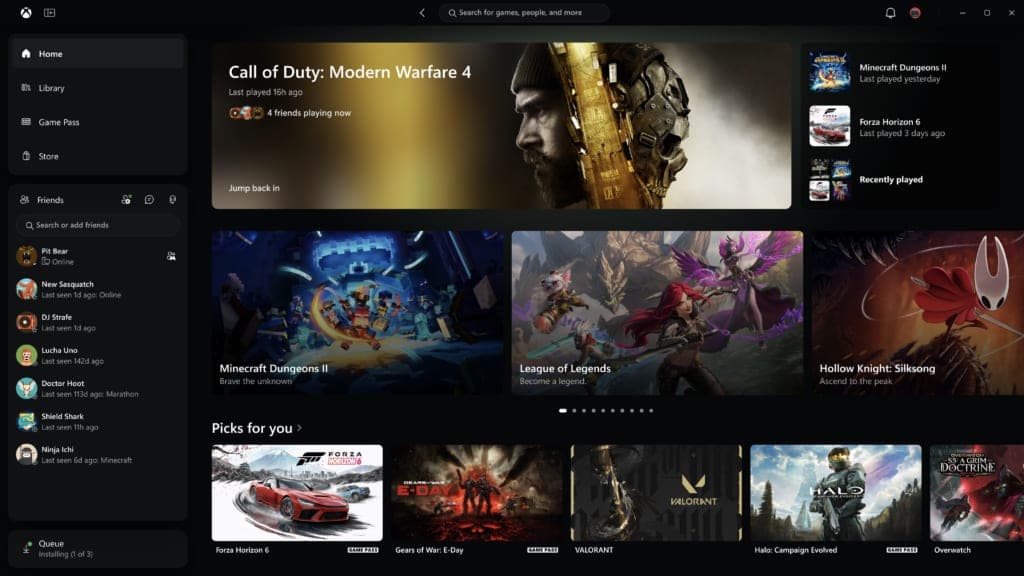
Xbox's new PC app launches up to 60% faster, and Insiders can try it today
Microsoft is giving Xbox Insiders a redesigned PC app with faster loading, a simpler library and friends built into the main menu. A matching cloud gaming refresh is coming to more players.
Microsoft takes down a phishing marketplace behind 1 billion scam messages
Microsoft and Health-ISAC seized domains behind YAM Store, CoGUI and Iron Man, three services that sold scammers accounts, fake websites and ready-made lures used in more than 1 billion messages this year.
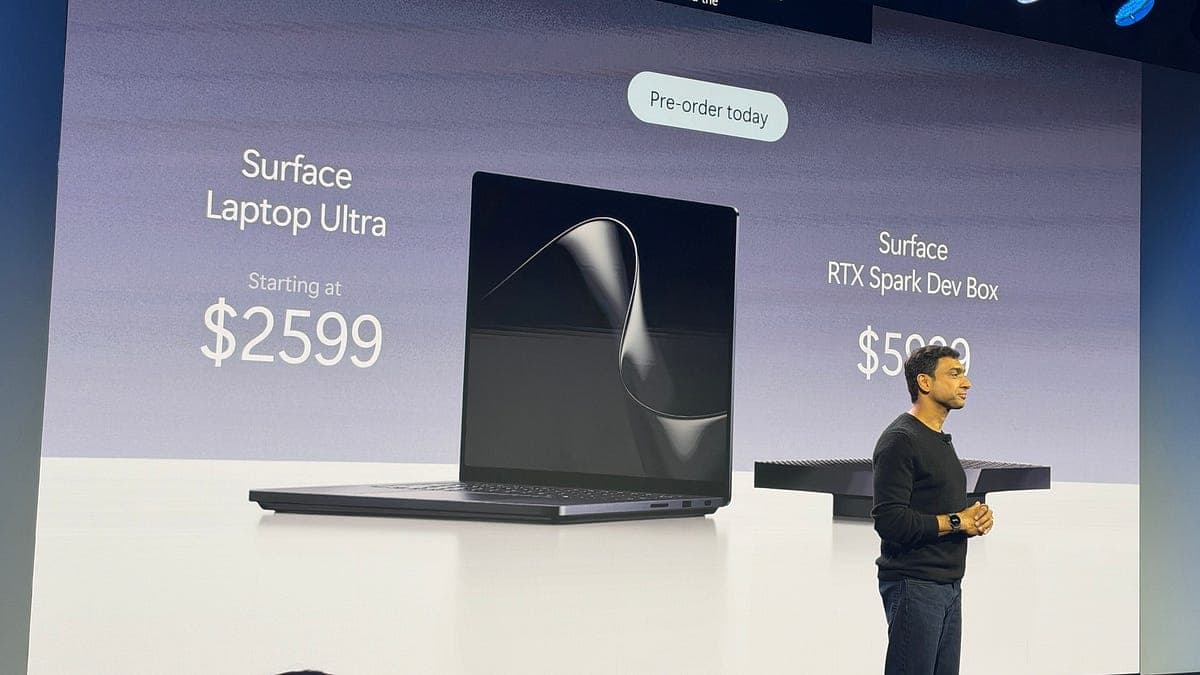
Microsoft's Surface Laptop Ultra opens for preorder at $2,599, built to run AI on the laptop itself
Microsoft and NVIDIA opened preorders for the Surface Laptop Ultra and a $5,999 Surface RTX Spark Dev Box, two Windows machines built around local AI.
More in brief
- Tesla opens Cybercab orders at $29,990, plus $299 a month to drive itNov 14
- Apple Sports adds UFC with live stats for every fight on the cardNov 13
- LangChain raises $300 million at a $3 billion valuation for AI agentsNov 13
- Microsoft's AI Frontiers research group is over, says co-founder John LangfordNov 13
- BYD apologizes after wrong wheels ship on its Great Tang SUVNov 13
- Microsoft 365 outage cuts off Outlook, Teams and Copilot for hoursNov 13