
Technology·News & analysis
Windows 11 26H2 feels faster, but an audio bug is crashing some apps
Microsoft's annual Windows update turns on months of speed work for many PCs, but the company has confirmed that a September update can crash apps that use built-in Dolby Digital audio.
Tide
Wave
Sci-fi
1/10
Reality
In your hands
Your PC gets snappier, then trips over an old audio format.How we rate
Windows 11 26H2 turns on months of performance work, including faster menus and app launches, and some users report lower RAM use.
But Microsoft confirmed that the optional KB5124010 update can crash apps using Windows' built-in Dolby Digital decoder, across 24H2, 25H2 and 26H2. A fix is coming in a future update, with no date yet.
What to know
- Windows 11 26H2 is an enablement package that switches on features already delivered in monthly updates, including a Low Latency Profile that speeds up menus and app launches.
- Windows Latest and some users report lower RAM use after the update, though results vary by PC.
- Microsoft has confirmed that apps using Windows' built-in AC-3 (Dolby Digital) decoder can crash after the optional KB5124010 update.
- The bug affects 24H2, 25H2 and 26H2. A fix is promised in a future update, with no date yet.
Windows 11's annual update for 2026, version 26H2, is a bit of a mixed bag. Many PCs are getting noticeably snappier after it, but Microsoft has also confirmed a bug that can crash some apps and games that play Dolby Digital audio, Windows Latest reports.
What is Windows 11 26H2?
26H2 looks like a boring annual update, and in a sense it is. It's an enablement package, meaning it mostly switches on features that were already delivered through monthly updates, according to Windows Latest.
Microsoft's own what's new page says many of its features "have already been delivered through monthly servicing updates," and that 26H2 "enables selected features and resets the support lifecycle," as quoted by Windows Latest.
The twist: many PCs never got those features before. Microsoft uses gradual rollouts, so two PCs on the same update could behave differently. Since 26H2 rolls everything up, most PCs that move to it should now get the improvements.
Why does it feel faster?
The headline feature is the Low Latency Profile. When you open the Start menu, search, the Notification Center or an app, Windows pushes the CPU close to its maximum speed for one to three seconds, finishes the work, and lets the processor drop back to idle sooner, Windows Latest explains.
It's sometimes called "race to sleep," and it targets the small pauses that make Windows feel slow even when the CPU isn't busy.
- June: Microsoft rolled it out for shell elements like the Start menu.
- August: it extended the boost to app launches. In Windows Latest's testing, apps like WhatsApp, Calculator and Weather opened much faster.
- 26H2: both boosts should now be on for most PCs.
In real life If clicking the Start button or opening an app used to come with a tiny pause, you may notice it's gone after installing 26H2.
Does it use less RAM?
Some users say yes. Windows Latest installed 26H2 on a three-year-old 16GB laptop and saw RAM use drop by as much as 2GB.
Right after a restart, its laptop showed 7.0GB in use out of 15.7GB, or about 45%. Before, it often crossed 10GB before any apps were opened. Even with Edge, WhatsApp, Teams, Outlook and a 4K YouTube video running, memory use stayed below 90%, compared with about 95% in lighter tests before.
Other users reported similar results, according to Windows Latest:
| User's PC | Reported result |
|---|---|
| 48GB of RAM | About 2GB lower RAM use at boot |
| 32GB of RAM | 9.1GB on 25H2 down to 7.5GB on 26H2 |
| 8GB of RAM | No change, still at 96% |
The catch: results vary, and high RAM use isn't always bad. Windows uses free memory to cache data and releases it when apps need more, Windows Latest notes.
This fits Microsoft's broader push. TechRadar reports that Microsoft said in August that one of its goals is reducing Windows' memory footprint, especially for 8GB PCs, which are becoming more common as memory prices rise.
Microsoft described that aim as "reducing Windows memory footprint to deliver a fast and responsive Windows experience across the PCs customers use every day," according to TechRadar. The company has also announced plans to speed up boot times, make Windows Hello sign-in more responsive and streamline the Windows 11 setup process.
Search is getting attention too. TechRadar says Microsoft is working to make Windows search find files with long compound names, handle typos better and show relevant results after just two typed characters.
What's the audio bug?
Microsoft has confirmed that some apps and games that use Windows' built-in AC-3 (Dolby Digital) audio decoding can crash after installing KB5124010.
That's an optional update released on September 22. The bug affects Windows 11 24H2, 25H2 and 26H2, because all three share the same underlying code, Windows Latest reports. Installing KB5124010 on 25H2 and then upgrading to 26H2 doesn't avoid it.
According to Microsoft, as quoted by Windows Latest:
"Incidence of this issue depends on the activity that these applications perform. In some cases the application can fail to launch, or close without warning."
In other cases, Microsoft says, an app works normally until certain features are used, such as playing music. Born City reports that crashes can be triggered by raising the volume, changing audio settings or using certain audio features.
Which apps are affected?
Probably not most of them. Microsoft says the bug mainly hits older apps, games and media players that rely on Windows' own decoder rather than shipping their own, according to PBX Science. Most modern apps shouldn't be affected.
Microsoft hasn't published a list of affected software. It also says this is separate from September's USB audio bug, where some audio devices stopped producing sound and showed a Code 10 error.
By the numbers, per PBX Science:
| Detail | |
|---|---|
| Update | KB5124010, optional preview, September 22, 2026 |
| Builds | 26100.9550, 26200.9550 and 26300.9550 |
| Trigger | Apps using the built-in AC-3 decoder |
| Status | Acknowledged, fix planned for a future update |
Why has it been a rough month for Windows?
September brought a lot of change at once. On September 8, Microsoft released KB5124008 with some of the most-requested features, including a movable taskbar, a resizable Start menu and Bing-free search, Windows Latest reports. The Start menu can now be set to a "Small" size, with the Pinned section and the Recent feed, previously called Recommended, hidden if you prefer a cleaner look.
It was also a huge month for security fixes. Windows Latest says Microsoft patched 974 security issues in September 2026, compared with 86 in September 2025. PBX Science reports that the September 8 update included fixes for two zero-day flaws that were being actively exploited.
Windows Latest adds that Microsoft has said it's using AI to help deploy hundreds of fixes. When a user flagged an Explorer crash after the September update, a Microsoft program manager described it as an "extensive" release, which made the root cause harder to find. An emergency update followed on September 14, and then KB5124010 arrived on September 22 to fix audio and File History problems, according to Born City.
Windows Latest says it also saw black screens and AMD graphics driver errors in its own tests, which Microsoft hasn't confirmed.
Other problems are still floating around. Born City reports that some users continue to see Wi-Fi connections drop, and that the File History backup feature still isn't working properly for some people even after the September 22 update meant to fix it.
For more on Microsoft, see our Microsoft topic page.
What it means for you
- Expect a snappier PC: 26H2 should switch on faster menus and app launches for most PCs, and may lower RAM use.
- Skip KB5124010 if you rely on older apps: it's optional, so you don't have to install it.
- If an app already crashes: you can uninstall KB5124010 from Update history in Settings, but that also removes its other fixes, PBX Science notes.
- Wait for the fix: Microsoft says it's coming in a future update.
The bottom line
Windows 11 26H2 brings real speed improvements to many PCs by switching on months of performance work. At the same time, an optional September update can crash older apps that use Dolby Digital audio. If that's you, skip or remove KB5124010 until Microsoft's fix arrives.
Key facts
- Update
- Windows 11 version 26H2, an enablement package
- Speed feature
- Low Latency Profile for menus, search and app launches
- Bug trigger
- Optional update KB5124010, released September 22
- Affected versions
- Windows 11 24H2, 25H2 and 26H2
- Fix
- Promised in a future update, no date given
Got questions?
Quick answers, plain wordsWhat is Windows 11 26H2?
It's Microsoft's annual Windows 11 feature update for 2026. It's an enablement package, meaning it switches on features already delivered through monthly updates and resets the support lifecycle, according to Microsoft's what's new page as quoted by Windows Latest.
Does 26H2 make Windows faster?
For many PCs, yes. It rolls up a Low Latency Profile that briefly boosts the CPU when you open the Start menu, search or apps, so they open faster, Windows Latest reports.
Does 26H2 use less RAM?
Some users report it does. Windows Latest saw RAM use drop by as much as 2GB on its 16GB laptop, and other users reported similar drops, though one 8GB PC owner saw no change.
What is the 26H2 audio bug?
Microsoft confirmed that apps and games using Windows' built-in AC-3 (Dolby Digital) audio decoding can crash after the KB5124010 update. Some fail to launch, others close when you play audio or change audio settings.
Which Windows versions are affected?
Windows 11 24H2, 25H2 and 26H2, if KB5124010 or a later update is installed. They share the same underlying code, so upgrading to 26H2 doesn't avoid it.
Which apps are affected?
Microsoft hasn't published a list. It says the bug mainly affects older apps, games and media players that rely on Windows' own decoder, and that most modern apps shouldn't be affected.
Is there a fix?
Microsoft says it will fix the issue in a future Windows update, but hasn't given a date or a dedicated workaround.
Should I uninstall KB5124010?
Only if you rely on an affected app. KB5124010 is optional, so you can skip it. Uninstalling it also removes the other fixes it contains, so weigh that trade-off, PBX Science notes.
Is this the same as the USB audio bug?
No. Microsoft says the AC-3 crash is separate from September's USB audio bug, where some devices stopped producing sound and showed a Code 10 error.
SourcesWindows Latest
Topics and tagsMicrosoft, microsoft, windows 11, updates
Related stories
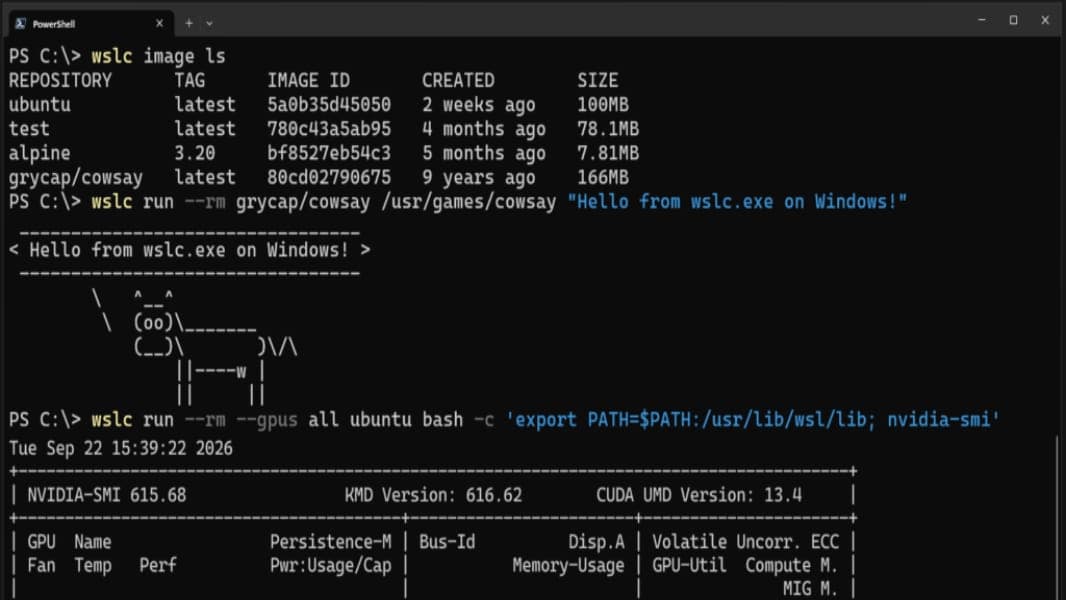
Microsoft makes WSL Containers generally available on Windows 11
Microsoft's built-in way to run Linux containers on Windows 11, without installing Docker Desktop, has left preview with a new CLI, an API, and enterprise controls.
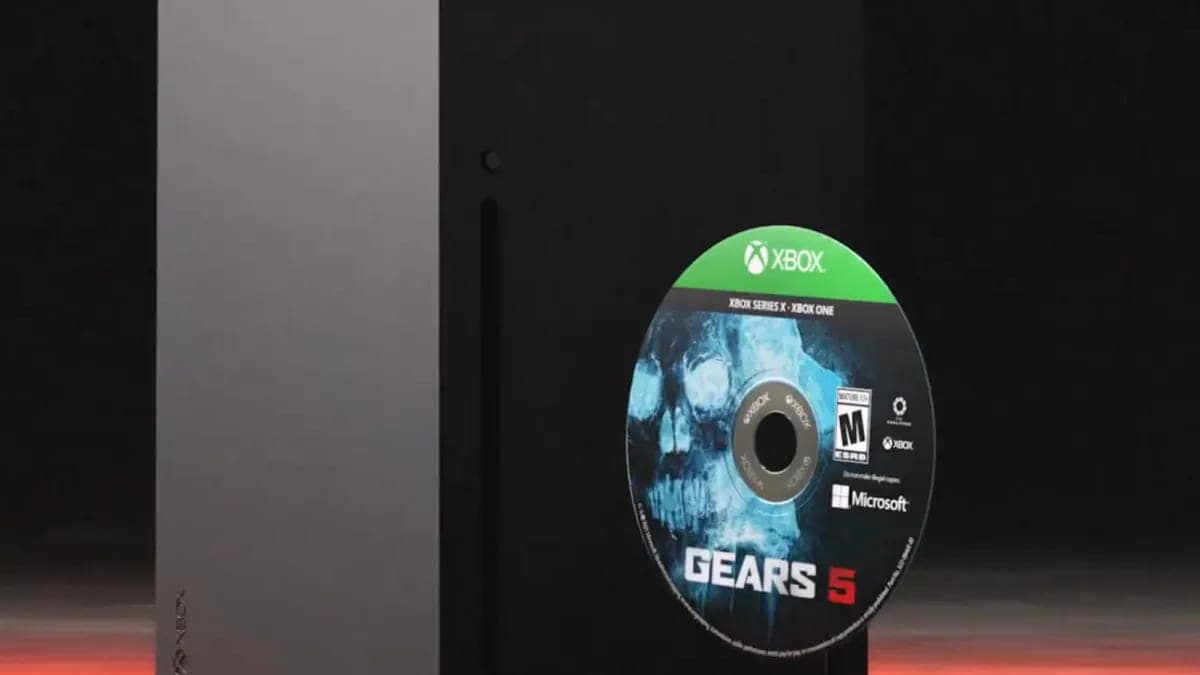
Xbox will turn your game discs digital for free, but sell them and you lose everything
Xbox's Disc to Digital program is now live for everyone, converting eligible physical discs into digital licenses for free, but selling or losing the disc can revoke your access.
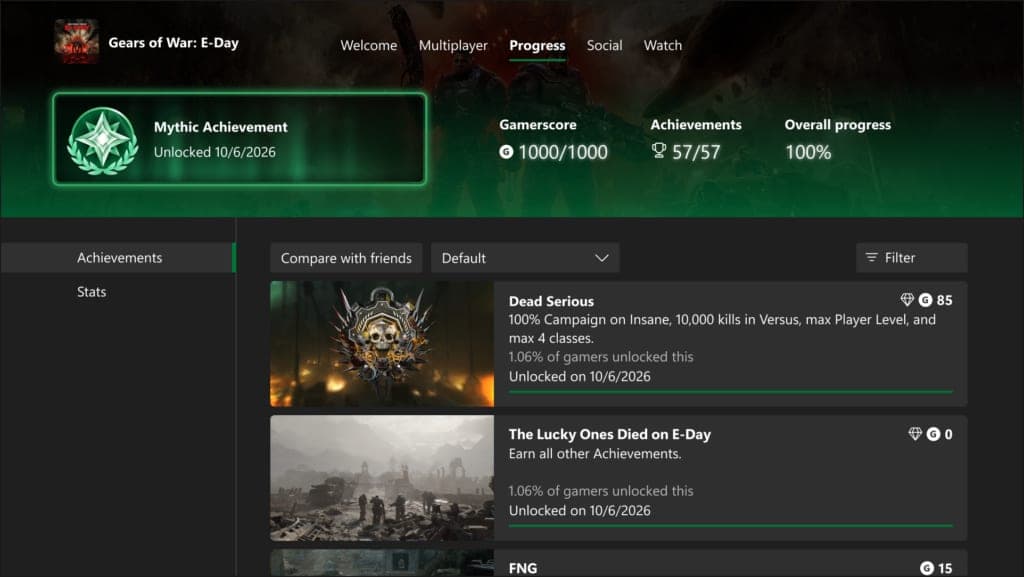
Xbox finally has its own version of PlayStation's Platinum trophy
Xbox is rolling out Mythic Achievements to Insiders, a new badge for completing every achievement in a game that's retroactive all the way back to Xbox 360 titles.
More in brief
- California legalizes plug-in balcony solar, but compliant kits aren't here yetOct 2
- Space Force retires the last of its Cold War missile-warning satellitesOct 2
- Anthropic commits $100 million to train 10,000 engineers to deploy ClaudeOct 2
- Runway's Praxis-1 wants to teach robots from video instead of demosOct 2
- Apple is tightening Mac 'Full Disk Access' because of AI agentsOct 2
- Rivian's deliveries jump as its cheaper R2 starts to ramp upOct 2