
Technology·News & analysis
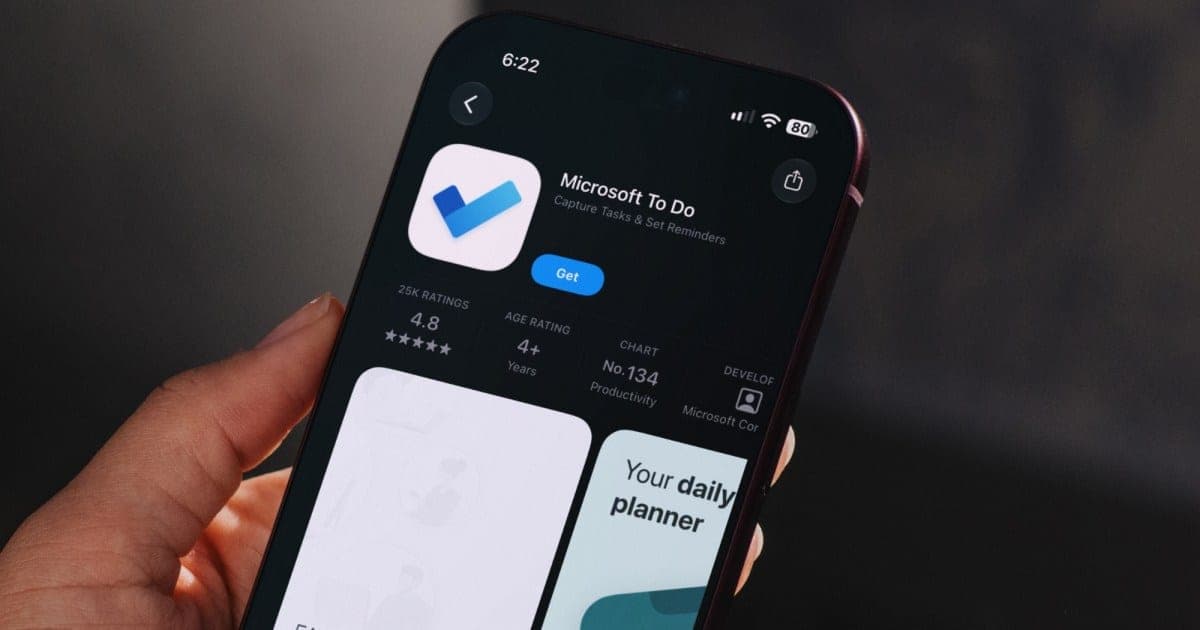
Microsoft To Do will shut down on June 30, 2027
Microsoft is retiring its To Do app on every device. Work and school users move to Planner, and people with personal accounts get no replacement.

Tide
Wave
Sci-fi
1/10
Reality
Shipping
Your to-do list gets a to-do: find a new app.How we rate
Microsoft will retire its To Do task apps on every platform on June 30, 2027, for work, school and personal accounts alike.
Tasks will not move on their own, and Planner, the replacement, does not support personal Microsoft accounts. Millions of people who keep daily lists in To Do now need a new home for them. Microsoft promises an export tool before the deadline but has given no date.
What to know
- Microsoft To Do apps on the web, Windows, Mac, iOS and Android retire on June 30, 2027, for work, school and personal accounts.
- Existing tasks and lists will not move to Planner on their own, and Planner does not work with personal Microsoft accounts.
- Microsoft promises an export tool before the deadline, but has not said when it arrives.
- Work and school users get a redesigned My Tasks page in Planner starting in December 2026.
Microsoft announced that its To Do apps will retire on June 30, 2027. If you keep your groceries, homework or work chores in To Do, you now have a deadline. Here is the question that matters: where do your tasks go?
What exactly is shutting down?
The To Do apps. That means the web app, Windows, Mac, iPhone, iPad and Android. It covers work and school accounts and personal Microsoft accounts, so nobody is left out of the retirement.
Microsoft shared the change on November 18, 2026, in a blog post from the Planner team about "unified plans". It describes Planner as a single place for people and AI agents across Microsoft 365. An AI agent is a program that can do tasks for you, such as drafting, sorting or scheduling.
There is a second clock too. The service behind the apps, its APIs and its sync support retire on separate timelines. An API is a doorway that lets one app plug into another. Microsoft has not given dates for those yet.
Will my tasks move over by themselves?
No. Microsoft says it plainly: existing To Do tasks and lists will not migrate to Planner. The two apps store tasks in different ways, so there is no simple copy button.
For work and school users, old To Do tasks stay visible inside Planner until June 30, 2027. After that, you can no longer view or manage them there. Microsoft adds that deleting the data is a separate step from retiring the apps.
In real life You have a list called "Move apartment" with 40 items. In June 2027 the app closes. If you did nothing, the list is stuck in a place you can no longer open.
What is Planner, and who gets it?
Planner is Microsoft's task and project tool for teams. For work and school accounts, it is the official landing spot. A redesigned My Tasks page starts rolling out in December 2026. Microsoft calls it a simpler, list-first experience, and it keeps your private tasks in a Planner-backed plan.
Microsoft also says Planner is getting new connections in Outlook and Teams. So for office users, the plan is clear: your tasks will live next to your email and chats.
What about people with personal accounts?
This is the part that stings. Planner is not available for personal Microsoft accounts. That includes people who pay for Microsoft 365 Personal or Family. There is no new Microsoft app waiting for them.
Microsoft's advice is to choose another task-management app. It also says the older Outlook Tasks experience stays supported. That is an option, but it is not the To Do you know.
What will Planner be missing?
Microsoft is open about the gaps. The list is useful if you are deciding how much to rely on Planner:
- No desktop apps: there are no native Windows or Mac apps planned to replace To Do.
- No attachments on private tasks: file attachments are not supported on tasks in the Planner private plan.
- No list groups: To Do list groups have no direct equivalent in Planner.
- No printing or email lists: printing and email-list features are not currently planned for the new experience.
- Different reminders and sharing: Planner handles both in its own way, so habits will change.
Is there an export tool?
Microsoft says yes, before the retirement date. It has not said when. It also draws a careful line: export keeps the data it supports, but it does not move your tasks or lists into Planner. Think of it as a backup you can carry to another app, not a moving truck that unpacks for you.
That vague date is why a little patience is smart. Do not delete anything. Wait for the export option, then use it.
Why does this feel familiar?
Because To Do has a history. Microsoft bought Wunderlist in 2015. Wunderlist was a popular, friendly list app. To Do was built as its successor, and Wunderlist later shut down.
Now To Do is going away too. The founders of Wunderlist went on to make a new app called Superlist, and that app is one of the options people point to as a place to land.
Why is Microsoft doing this?
Microsoft is folding its task tools into one product, Planner. It calls the result a unified platform for people and agents across Microsoft 365, and says this makes reaching Planner through Copilot easier. Copilot is Microsoft's AI assistant.
The news landed around Microsoft's Ignite 2026 event, where the company talked about pulling its work tools closer together. For a business, one task tool is easier to manage than two. For a person with a personal account who just wants a shopping list, it is less clear what the gain is, and many readers have said so in comments online.
What is Outlook Tasks, and is it a fallback?
Outlook Tasks is the older task list inside Outlook. Microsoft says this legacy experience stays supported. If you already live in Outlook, it can hold simple lists for now.
It is a different tool from To Do, with a different look and fewer fresh features. So treat it as a backup plan, not as a promise of what comes next. Microsoft has not said how long it will keep it going.
Where can I go instead?
You have plenty of choices. These are the names most often suggested for people leaving To Do:
- Todoist: apps for iPhone, iPad, Mac, Windows and Android.
- TickTick: a popular all-round list and reminder app.
- Workflowy: an outline-style notes and list app.
- Superlist: made by the Wunderlist founders.
Todoist and Superlist have already advertised easy ways to bring your lists over from To Do. Check the current steps on their own sites before you start, since import tools change.
What should I do and when?
You have a little over seven months, so there is no need to panic. A simple plan works for most people:
- Now: decide which kind of user you are. Work or school account, or personal account.
- Personal users: try one or two alternative apps with a small list. Do not move everything yet.
- Work and school users: wait for My Tasks in December 2026, then check what is missing, such as attachments or desktop apps.
- When the export tool appears: export first, then import into the new app.
- By spring 2027: finish the move, so June 30 is a normal Wednesday.
If you use a third-party app or an automation that talks to To Do, check it too. The connections should outlive the apps for a while, but Microsoft warns they may need changes.
What it means for you
- Mark June 30, 2027: the To Do apps stop on every platform.
- Do not expect a free ride: tasks will not transfer to Planner on their own.
- Personal users, look around: Planner is not an option for you, so pick a new app early.
- Work users, test Planner: the December update will show if it fits how you work.
The bottom line
Microsoft is closing To Do and pointing office users to Planner. Personal users get an export tool, a promise and a suggestion to shop around. The deadline is far away, so there is time to do this calmly. Your list is yours, and it can follow you to whichever app you pick.
Key facts
- Retirement date
- June 30, 2027
- Announced
- November 18, 2026
- Replacement
- Planner, work and school accounts only
- Export tool
- Promised, no date yet
Got questions?
Quick answers, plain wordsWhen does Microsoft To Do stop working?
The To Do apps retire on June 30, 2027. That covers the web app, Windows, Mac, iPhone, iPad and Android. The background service, its APIs and sync have separate, later timelines that Microsoft has not announced.
Will my tasks move to Planner automatically?
No. Microsoft says existing To Do tasks and lists will not migrate to Planner. Work and school users can still see their old tasks inside Planner until June 30, 2027, and after that date they can no longer view or manage them there.
Can I use Planner with a personal Microsoft account?
No. Planner is not available for personal Microsoft accounts, including Microsoft 365 Personal and Family subscribers. Microsoft tells those users to pick another task app.
Will there be a way to export my tasks?
Microsoft says it will provide an export option before the retirement. It has not given a date. It also says export keeps supported data but does not move your tasks or lists into Planner.
What is Microsoft's replacement for work and school users?
Microsoft Planner. A redesigned My Tasks view starts rolling out in December 2026. It is described as a simpler, list-first experience that stores private tasks in a Planner-backed plan.
What can Planner not do that To Do could?
Microsoft lists several gaps. There are no native Windows or Mac desktop apps planned, file attachments are not supported on tasks in the Planner private plan, and To Do list groups have no direct equivalent. Printing and email-list features are not currently planned either.
Is there an official Microsoft option for personal users?
Not a new one. Microsoft points to the older Outlook Tasks experience, which remains supported. Otherwise, personal users are told to choose another task-management app.
Which apps can I switch to?
Popular picks include Todoist, TickTick, Workflowy and Superlist. Superlist comes from the founders of Wunderlist, the app Microsoft bought in 2015 and later replaced with To Do.
Do I need to act right now?
No. You have more than seven months. Personal users can start looking at alternatives, and work and school users can wait for the December Planner update and check what is missing before they rely on it.
Will apps that connect to To Do keep working?
For a while, probably. The service and its APIs retire later than the apps, on dates still to come. Microsoft warns that tools built on those connections may need changes.
SourcesMicrosoft
Topics and tagsMicrosoft, microsoft, microsoft to do, planner
Go deeper
Related stories
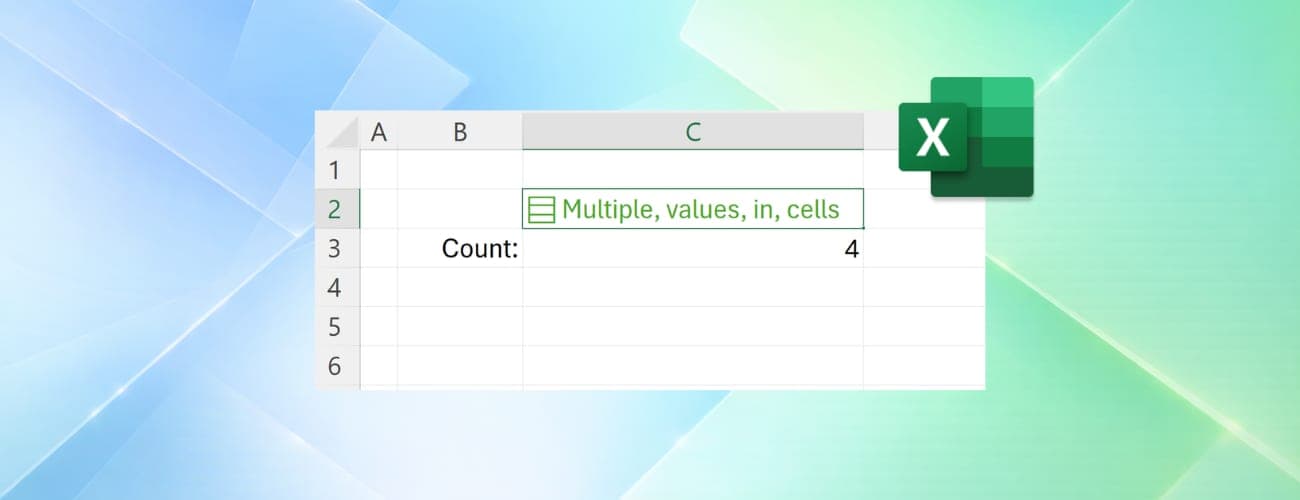
Microsoft breaks Excel's 40-year one-value-per-cell rule
Excel is rolling out Lists, Arrays in Cells and Nested Arrays, letting a single cell hold multiple values that still work individually for filtering and calculations.

Windows Server 2028 ships locked down, and that may break things
Microsoft put Windows Server 2028 into public preview with hundreds of security settings switched on from the first boot. Old tools and logins may stop working.

Hackers slipped a password stealer into Microsoft Agent Framework
Two fake releases of Microsoft's agent-framework package were live on PyPI for about an hour on November 17. They stole cloud passwords every time Python started.
More in brief
- ASELSAN's EJDERHA electromagnetic weapon disables 51 drones with one commandNov 21
- Medtronic's Hugo surgical robot cleared for general surgery in the USNov 21
- Google's Gemini now turns noisy fire radio into text for Watch DutyNov 21
- Internet Archive staff move to unionize with CWANov 20
- Etsy sellers are leaving over new terms that allow AI trainingNov 20
- Meta rethinks its 2030 net-zero goal as AI pushes emissions up 45%Nov 20