
Technology·News & analysis
Nvidia's GeForce driver kept writing to SSDs, and a new fix is out
A background Nvidia service rewrote a log file nonstop on some PCs. Nvidia's 621.40 driver lists the fix, but a few owners say the writes can come back.

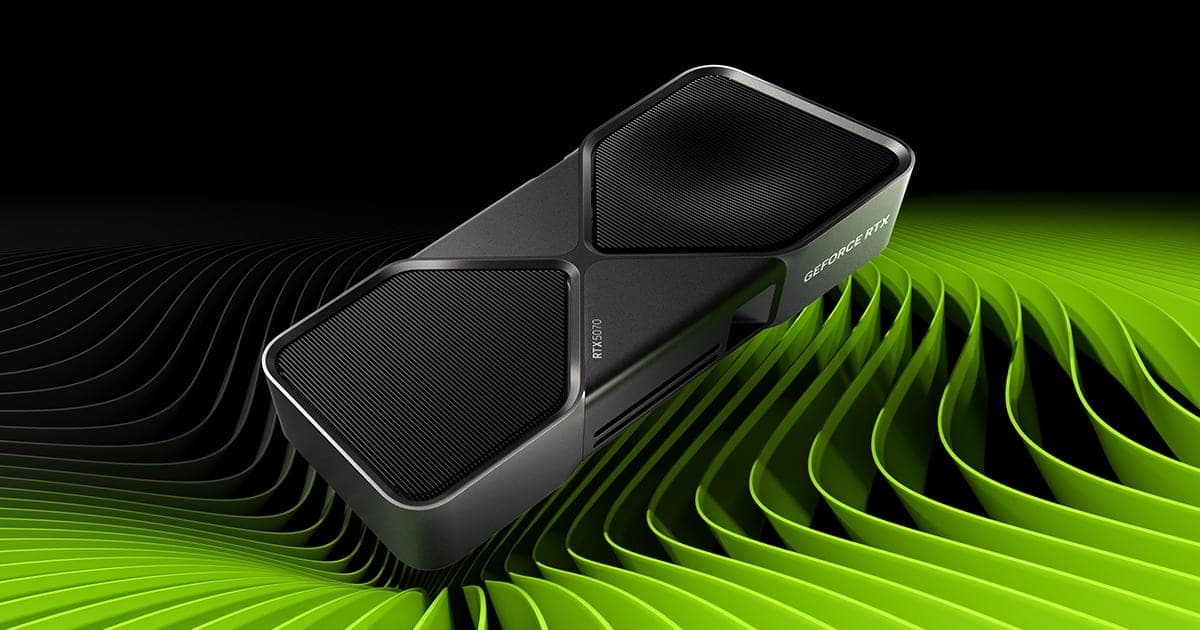
Tide
Wave
Sci-fi
2/10
Reality
In your hands
A diary that gets rewritten every few seconds.How we rate
Nvidia's GeForce drivers 621.14 and 621.24 are reported to make a background service rewrite a log file nonstop, at up to 30 GB of SSD writes per hour.
Nvidia acknowledged the bug in the notes for hotfix 621.35 and the new Game Ready driver 621.40, without a public statement. One owner says writes returned after hours of use. Updating is the advice, and Nvidia may need another pass.
What to know
- A background Nvidia service, NVDisplay.Container.exe, kept rewriting a log file named nvlog.nvlgstg on some PCs, even when they sat idle.
- Owners reported up to 30 GB of writes per hour, and some posts went as high as 70 GB per hour.
- Nvidia's hotfix 621.35 and the Game Ready driver 621.40 list the fix as "Excessive writes to file nvlog.nvlgstg may occur in background."
- One owner says the writes returned after hours of use, so the fix may not be complete for everyone.
Nvidia's graphics driver has been writing far more data to some PCs' SSDs than it should, and the company has now shipped fixes. That's the news. Now the useful part: how to tell if your PC was doing it, and whether the fix really worked.
It is the second time in a few weeks that a graphics driver has been caught doing this. Our earlier story on the AMD Radeon version covers the first one.
What is actually going wrong?
The trouble starts with a small background program called NVDisplay.Container.exe. It belongs to a Windows service named NVIDIA Display Container LS. A service is a helper that runs quietly in the background without a window.
This one supports the Nvidia app and the Nvidia Control Panel. On affected PCs it keeps writing to a log file named nvlog.nvlgstg, which lives in the ProgramData folder. A log file is a diary where software notes what it is doing.
The odd part is how it writes. Owners say the whole file gets rewritten again and again, even when the PC is idle.
How much data are we talking about?
Owners posted their numbers on Nvidia's support forum and on Reddit. The figures are big for a background chore:
- Up to 30 GB per hour: the number most often quoted in reports.
- 30 GB to 70 GB per hour: the range in some forum posts from mid-November.
- 515 MB in five minutes: what one user measured on driver 621.14 while the PC was idle.
- Under 2 MB in five minutes: what the same user measured on the older 621.01 driver.
Those are Windows write counts. Whether every byte reaches the flash chips inside the drive is not clear, because a drive's controller can absorb part of it.
Which drivers are involved?
Reports name GeForce drivers 621.14 and 621.24. The problem showed up in posts from mid-November, after those releases reached owners.
People who moved back to 621.01 said the extra writing stopped. That made a rollback the quick workaround while Nvidia worked on a fix.
Does heavy writing hurt an SSD?
An SSD can only be written so many times. Makers rate that as TBW, short for terabytes written: how much data the drive is promised to take over its life.
At 30 GB per hour, the math is simple. That is 720 GB a day and more than 260 TB a year. A common 1 TB drive carries a rating of around 600 TBW, so a year of this would eat a large slice of it.
The catch: that is the worst case, and it needs the service to run flat out every hour of every day. Most PCs sleep, and many owners saw smaller numbers. Still, nobody wants a needless drain on a drive that costs real money to replace.
In real life Imagine your laptop has a notebook that can be erased a fixed number of times. A background chore that erases and rewrites one page all night is using up that notebook for nothing.
What has Nvidia said?
Nvidia has not made a public statement on the problem, and it did not immediately respond to a request for comment from journalists. But it did acknowledge the bug in the driver notes.
First came hotfix 621.35. Its change log says: "Excessive writes to file nvlog.nvlgstg may occur in background." A hotfix is a small, quick driver update that fixes one problem and skips the usual testing round.
Then came GeForce 621.40, a full Game Ready driver that also carries the hotfix changes. The Studio and Quadro (workstation) versions of 621.40 list the same fix.
Did the fix work?
Mostly, but not for everyone yet. After the hotfix, one owner on Reddit said the writes vanished at first. They came back after long uptime or after the monitor went to standby.
That owner used a GeForce RTX 4090 with a Samsung 990 PRO drive. They logged about 41 GB of writes from the process in nine hours, against roughly 36 GB of extra writes on the drive itself. That is a lower load than before, but not zero.
It is one report, so it may be a one-off. It also means Nvidia may need another pass. The 621.40 release notes list no open issues, and the driver is the first full release that includes the hotfix.
What's next: watch for owner reports on 621.40 over the coming days. If the writes persist, expect another driver update from Nvidia.
What else is in 621.40?
The new driver is not only a bug fix. It is a Game Ready driver, which means Nvidia tuned it for new game launches. This release is optimized for Warhammer 40,000: Dawn of War IV, Where Winds Meet and Assetto Corsa Rally.
It also fixes a few other things:
- Chaos Vantage: the Nvidia OptiX denoiser, a tool that cleans up grainy rendered images, could fail at high resolutions.
- Windows Photos and Media Player: colors looked wrong when playing DJI D-Log H.265 video, a flat-looking footage format from drones and cameras.
- Studio driver extras: a crash in Star Citizen when using the Vulkan graphics interface, and a crash in Wuthering Waves with Freestyle filters and DLSS frame generation turned on.
- Display bugs: a brief black flash on a 360 Hz QHD monitor, and a frame rate that could dip to 320 FPS on a 360 Hz G-SYNC Pulsar monitor.
The release notes say there are no open issues. The Studio and Quadro builds, aimed at creators and workstations, came out slightly later and carry the same SSD fix.
What if the writes were even bigger?
Some forum posts from mid-November put the rate at 30 GB to 70 GB per hour. At the top of that range, the yearly math gets large fast.
- 30 GB per hour: about 720 GB a day, more than 260 TB a year.
- 70 GB per hour: about 1.7 TB a day, more than 600 TB a year.
That top figure is roughly the full rated life of a common 1 TB drive, in a single year. It is a worst case, and it assumes a PC that never sleeps and a service that never stops. But it explains why owners reacted fast.
Why it matters: a rating like TBW is a promise about how long a drive will last. Writes you never asked for spend that promise for nothing.
How can you check your own PC?
The test takes about a minute:
- Open Task Manager and click the Details tab.
- Right-click any column header and choose Select columns.
- Tick I/O write bytes and press OK.
- Leave the PC idle for a few minutes and watch the number next to NVDisplay.Container.exe.
If that number climbs by gigabytes while you do nothing, your PC is affected. Update to the latest driver straight away.
Is this the same as the AMD bug?
It is a similar story, not the same bug. AMD's Radeon software had a background service, atieclxx.exe, that wrote to the system drive nonstop. AMD confirmed it and said the fix would ship in Adrenalin 26.11.1.
AMD's numbers were smaller, between 0.3 and 5 MB per second. Nvidia's reported numbers were larger. Different companies, different files, different services, and the same lesson: a driver is big software, and small helpers inside it can misbehave.
What it means for you
- Update the driver: install GeForce 621.40 from Nvidia's website or the Nvidia app. It is free and includes game fixes too.
- Check once: a minute in Task Manager tells you whether the process is still writing a lot.
- Keep the old driver handy: if writes persist, 621.01 was the version owners used as a workaround.
- Watch small drives: budget SSDs with low endurance ratings would feel the wear first.
The bottom line
A background Nvidia service rewrote a log file nonstop on some PCs, at rates that could wear a drive faster than it should. Nvidia lists the fix in hotfix 621.35 and driver 621.40. Update, check Task Manager once, and keep an eye out in case it needs another round.
Key facts
- Culprit
- NVDisplay.Container.exe (NVIDIA Display Container LS)
- File involved
- nvlog.nvlgstg
- Reported write rate
- Up to 30 GB per hour, some posts higher
- Drivers named in reports
- 621.14 and 621.24
- Fix
- Hotfix 621.35, then Game Ready 621.40
Got questions?
Quick answers, plain wordsWhat is the Nvidia SSD write bug?
A background Windows service that comes with Nvidia's GeForce drivers kept rewriting a log file called nvlog.nvlgstg, which caused heavy and constant writes to the system drive.
Which program causes it?
The process is NVDisplay.Container.exe, which belongs to the service NVIDIA Display Container LS. The service also supports the Nvidia app and the Nvidia Control Panel.
Which drivers are affected?
Reports point to GeForce drivers 621.14 and 621.24. One owner measured far lower writes on the older 621.01 driver.
Has Nvidia fixed it?
Nvidia's notes for hotfix 621.35 and for Game Ready driver 621.40 list the fix as "Excessive writes to file nvlog.nvlgstg may occur in background." Nvidia has made no other public statement.
Will it kill my SSD?
Probably not quickly, but the numbers are large. At 30 GB per hour, writes add up to more than 260 TB a year, which is a big share of what many drives are rated for.
How do I check if my PC is affected?
Open Task Manager, go to the Details tab, right-click a column header and add I/O write bytes. If NVDisplay.Container.exe shows a huge, growing number while the PC is idle, you are affected.
Should I roll back to an older driver?
Some owners did that before the fixes arrived. Now that 621.40 is out, updating is the simpler path. If the writes still show up after the update, rolling back to 621.01 is what one tester used.
Is this related to the AMD Radeon bug?
It looks similar, but it is a different bug in different software. AMD's Radeon software had a comparable problem a few weeks earlier and AMD promised a fix in Adrenalin 26.11.1.
Do I need to update even if I see no problem?
It is a good idea. The update is free, it also carries game fixes, and it removes the risk of the log file problem.
Related stories
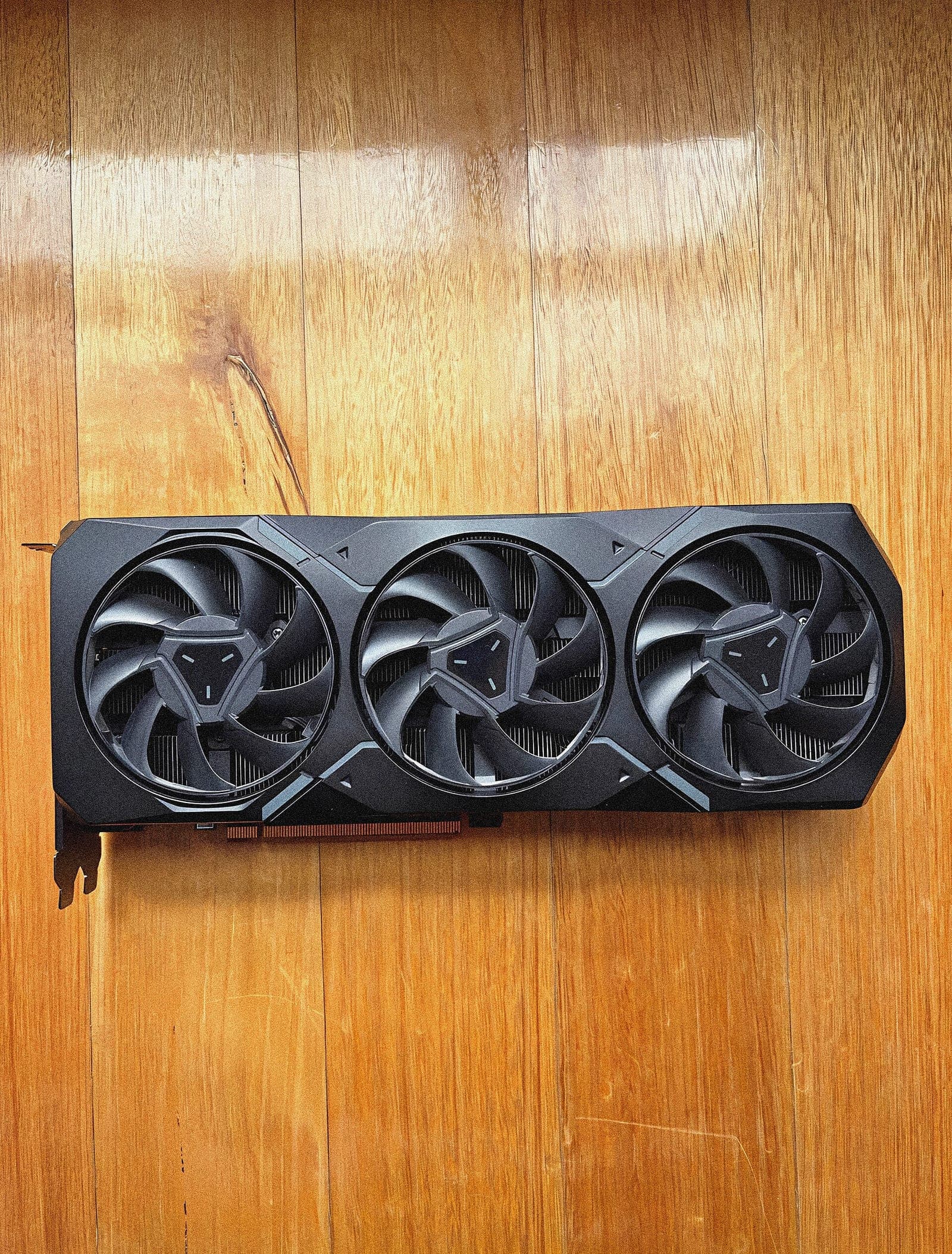
AMD confirms a Radeon driver bug that keeps writing to your SSD
A small background service in AMD's Radeon software can write to your system drive nonstop, even when the PC is idle. AMD says a fix is coming in Adrenalin 26.11.1.
US adds Megaspeed to its trade blacklist over AI chip diversion risk
The Commerce Department added the Singapore firm at the center of the NVIDIA scandal, plus six affiliates, to its Entity List. US companies now need a license to sell it chips or other technology.

NVIDIA board reinstates Jensen Huang as CEO after 11 days
NVIDIA's board voted unanimously to bring its co-founder back as President, CEO and director, effective immediately. The board says it first sought input from senior levels of the US government.
More in brief
- Amodei says handing governance to AI is "a bad idea" and calls the claim absurdNov 26
- 42 state attorneys general move to block Character.AI's auction of user chatsNov 25
- WhatsApp now lets you schedule messages up to 14 days aheadNov 25
- Microsoft declares Code Red after its worst Exchange Online outageNov 25
- Ladybird ships its first downloadable alpha, a browser built from scratchNov 25
- FCC lets SpaceX plan up to 1 million AI data center satellitesNov 25