
Technology·News & analysis
Google says some Android apps need extra work to run well on Intel Googlebooks
Days after Googlebooks went on sale, Google admitted a small number of complex apps and games need developer tuning on the three Intel models. The Arm-based Dell and HP run Android natively.
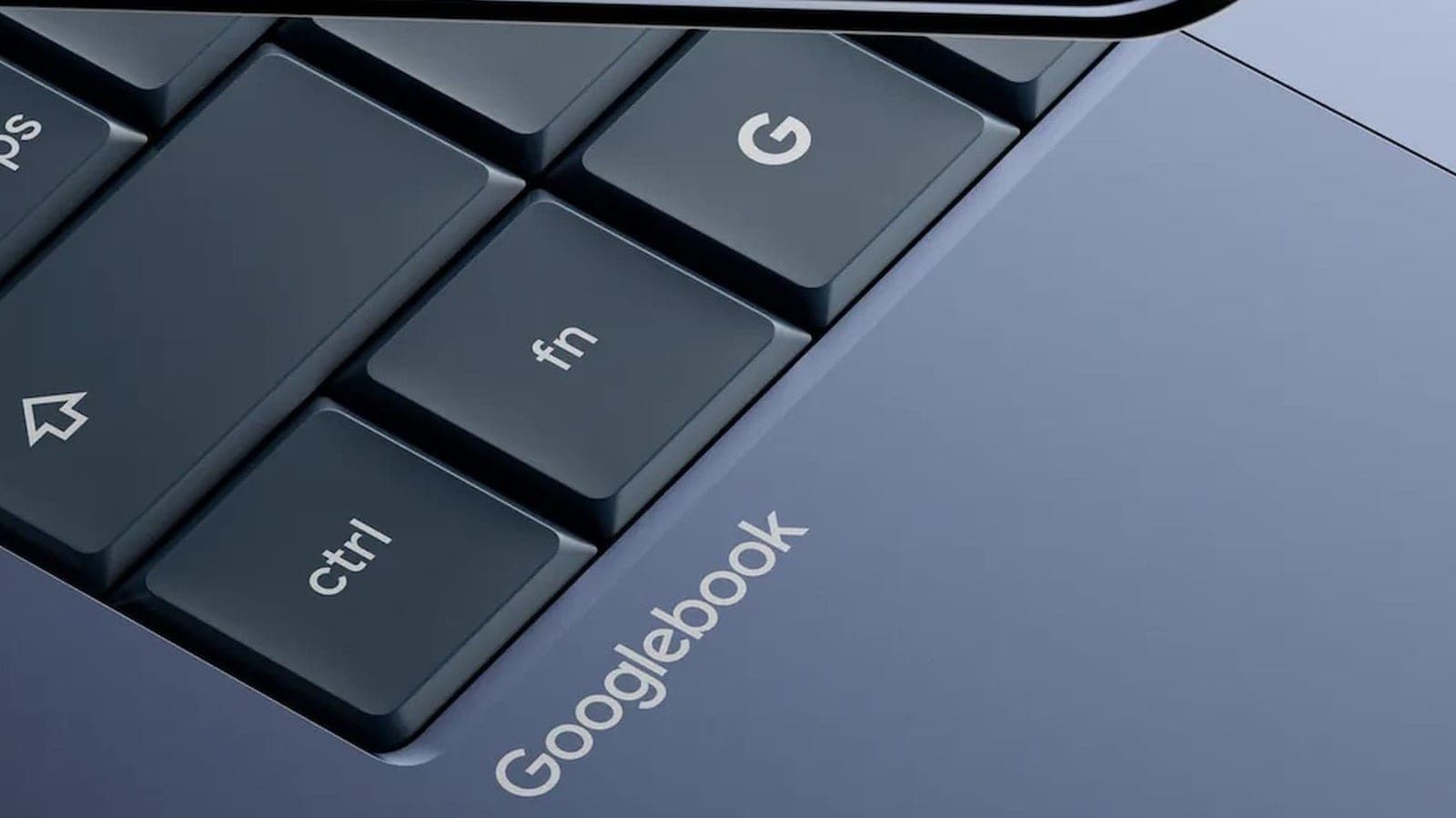
Tide
Ripple
Sci-fi
1/10
Reality
Shipping
Same apps, different chips, slightly different results.How we rate
Google's new Googlebook laptops just went on sale, and Google now says a few complex Android apps and games need extra developer work to run well on the three Intel models.
That's because most Android apps are built for Arm chips, which the Dell and HP models use. If you're buying one for Android apps, the chip inside matters.
What to know
- Google told Android Authority that a small handful of complex Android apps and games need developer tuning to run their best on Intel-based Googlebooks.
- Three of the five launch Googlebooks, from Acer, ASUS and Lenovo, use Intel chips and run Android apps through a translation layer.
- The Dell and HP Googlebooks use Qualcomm Arm chips and run Android natively.
- Google didn't name which apps are affected and says the vast majority run smoothly on both.
Google's brand-new Googlebook laptops are built around Android apps. But not every Googlebook runs them equally well, Google has admitted. In a statement to Android Authority, the company said some complex apps and games need extra work to run their best on the models with Intel chips.
The admission came just as the laptops went on sale.
What did Google say?
Here's Google's full statement, as reported by Android Authority and quoted by Engadget:
"The vast majority of Android apps run smoothly across both Intel and Qualcomm Googlebooks right out of the box. Because many Android apps were originally designed for Arm chips, a small handful of complex apps or games need some developer tuning to run their best on Intel-based platforms. We're working hand-in-hand with app developers, Intel, and Qualcomm to continuously optimize performance and expand compatibility across the entire portfolio."
What it didn't say: Google didn't name which apps have problems, or what kind of problems they are, Engadget reports. Google offers a curated group of apps optimized for Googlebooks, but has said Android apps can still be downloaded from the Play Store even without that optimization.
Which Googlebooks are affected?
Five Googlebooks launched, and three of them use Intel chips.
Here's the lineup, with launch details from Android Headlines.
Intel models (translation layer):
- Acer Googlebook 14 ($899): the cheapest, and the only convertible 2-in-1, with a 14-inch OLED touchscreen and Intel Core Ultra 3 (Panther Lake). It weighs 2.7 pounds.
- ASUS Googlebook 14 ($1,299): a 14-inch OLED touchscreen, also on Intel's Core Ultra 3, and the lightest at 2.2 pounds.
- Lenovo Googlebook 15 ($1,299): a 15.3-inch OLED touchscreen and up to 1TB of storage. Google calls it the "workhorse," and it's the thickest of the five because of a fan.
Qualcomm Arm models (run Android natively):
- Dell XPS Googlebook ($1,199): a 13-inch 2.5K touchscreen, a Snapdragon X Elite chip and at least 512GB of storage. It's the thinnest of the bunch.
- HP Googlebook 14 ($1,299): a 14-inch OLED touchscreen with a Snapdragon X Elite chip.
All five have at least 16GB of RAM, 256GB of storage and a rated 14 hours of battery life, according to Android Headlines. In Britain, Googlebooks start at £999, The Next Web reports.
Nothing on the box tells you: buyers choosing between the two chip types aren't told which ones run apps natively, The Next Web notes.
Why do Intel models struggle?
It comes down to chip architecture.
Android was built for Arm. Phones use Arm chips, so most Android apps are written for them, The Next Web explains.
Intel uses x86. Intel Googlebooks have to translate Arm code on the fly, using a hardware translation layer. Google has said before that converting and executing Arm code on x86 Chromebooks reduces performance and battery life, Engadget reports. Apps compiled for x86 in the first place don't have the problem, but most Android developers don't compile for it.
What might be affected: HotHardware suggests the Intel models will most likely need tuning for apps and games that use specific chip accelerators, like DSPs or NPUs.
Many apps will be fine: apps built mostly with Kotlin or Java use architecture-neutral libraries, so they have a high chance of working well, Tom's Hardware explains. Trouble is more likely with apps that rely on native components compiled only for Arm. Tools like Intel Bridge and Android's Native Bridge translate that code, but issues can appear unless developers account for x86.
Isn't this what Googlebook was supposed to fix?
Partly, yes. Chromebooks ran Android apps inside containers. Googlebook runs Android natively, which was meant to remove the old compatibility limits, The Next Web reports.
That holds for the two Arm models. On the three Intel ones, Android apps still go through a translation layer, the same arrangement Chromebooks used, according to The Next Web.
Should Google have said this sooner?
Some reviewers think so. Tom's Hardware notes Google didn't mention these limits before Googlebooks reached store shelves.
"This should've been stated from the jump," Android Central wrote. It added that the upside is Google knows about the problem and is working with the right partners to fix it.
No real tests yet: Engadget says it hasn't tested the machines, and neither has anyone else publicly, according to The Next Web. Real-world results should show how much the gap matters in practice.
What is a Googlebook?
Googlebooks are a new category of premium laptops built on Android with desktop foundations from ChromeOS, designed for Gemini and to work closely with Android phones, Google said at launch.
Key features, according to Thurrott's launch coverage:
- Phone integration: your passwords, messages, Wi-Fi networks and phone settings sync after you sign in. Continue On lets you pick up tasks started on your phone, and Cast My Apps shows phone apps in a window.
- Gemini built in: Magic Pointer brings Gemini to your mouse pointer, and you can create widgets by describing them.
- An NPU rated at over 45 TOPS on every model.
- Hardware: at least 16GB of RAM and 256GB of storage, up to 2.8K OLED screens, haptic glass trackpads and a "Glowbar" light on the lid.
- Security: up to 10 years of security updates.
- For developers: a Linux environment with full terminal access and Google's Antigravity AI agent platform.
All apps come from the Play Store, Tom's Hardware notes. Each Googlebook comes with 12 months of Google AI Pro, including 5TB of cloud storage.
Why Google built it: Google says most people spend about 70% of their computer time in a browser, so for many of them that's all they need, Android Headlines reports. Googlebook is pitched as a more premium option alongside Chromebooks, with Gemini built in throughout. Wiggle the Magic Pointer, and instead of growing bigger like a Mac cursor, it calls up Gemini to ask about anything on screen.
"You can ask Gemini to organize a messy calendar or translate text without juggling multiple windows. Gemini only acts when you ask it to, and you can switch it off whenever you want," said John Solomon, Google's vice president and general manager for laptops, tablets and Android Enterprise, according to Thurrott.
Another Gemini feature, Rambler, sits next to the Quick Insert key and captures spoken thoughts and structures them automatically, Thurrott reports. Google rates the laptops for up to 14 hours of video playback.
The bigger picture: Googlebooks arrive as Google plans to wind down ChromeOS by 2034.
When did they go on sale?
Pre-orders opened September 21. Googlebooks launched October 4 in the US and October 5 in Canada, the UK, Ireland, France, Germany and Australia, Android Central and Thurrott report.
What it means for you
- Buying for Android apps or games? Consider the Dell or HP Arm models, which run Android natively.
- Already have an Intel model? Most apps should work fine, Google says. Watch for app updates as developers tune them.
- Wait for reviews: independent tests should reveal which apps actually struggle.
The bottom line
Google says a small handful of complex Android apps and games need developer tuning to run their best on Intel Googlebooks from Acer, ASUS and Lenovo. The Arm-based Dell and HP models run Android natively. For laptops sold on their Android app experience, the chip inside matters more than the box suggests.
Key facts
- Affected models
- Acer, ASUS and Lenovo Googlebooks (Intel)
- Native Android
- Dell XPS and HP Googlebooks (Qualcomm Arm)
- The issue
- A small handful of complex apps and games need developer tuning
- Why
- Most Android apps are built for Arm chips
- Prices
- $899 to $1,299 in the US
Got questions?
Quick answers, plain wordsWhat did Google say?
That 'a small handful of complex apps or games need some developer tuning to run their best on Intel-based platforms,' while 'the vast majority of Android apps run smoothly across both Intel and Qualcomm Googlebooks right out of the box.'
Which Googlebooks use Intel chips?
The Acer Googlebook 14, ASUS Googlebook 14 and Lenovo Googlebook 15.
Which Googlebooks run Android natively?
The Dell XPS Googlebook and the HP Googlebook 14, which use Qualcomm Snapdragon chips based on Arm.
Which apps are affected?
Google hasn't said which apps have problems, or what goes wrong with them.
Why do Intel models have trouble?
Most Android apps are built for Arm chips. Intel Googlebooks translate that code on the fly, and Google has said before that translating Arm code on x86 costs performance and battery life.
Is Google fixing it?
Google says it's working with app developers, Intel and Qualcomm to optimize performance and expand compatibility.
How much do Googlebooks cost?
In the US, from $899 for the Acer up to $1,299 for the ASUS or HP model. In Britain they start at £999, The Next Web reports.
When did they go on sale?
Googlebooks launched October 4 in the US and October 5 in Canada, the UK, Ireland, France, Germany and Australia, after pre-orders opened September 21.
Can I sideload Android apps?
No. Apps come from the Google Play Store, and you can't download them from the web unless you're redirected to Google Play, Tom's Hardware reports.
SourcesAndroid Authority
Topics and tagsGoogle, Smartphones, google, googlebook
Related stories

Henry Cavill is building a video game to show off Google's new Googlebook
Google says the actor and self-described PC gamer will develop a game on an HP Googlebook 14, with a reveal planned for November.
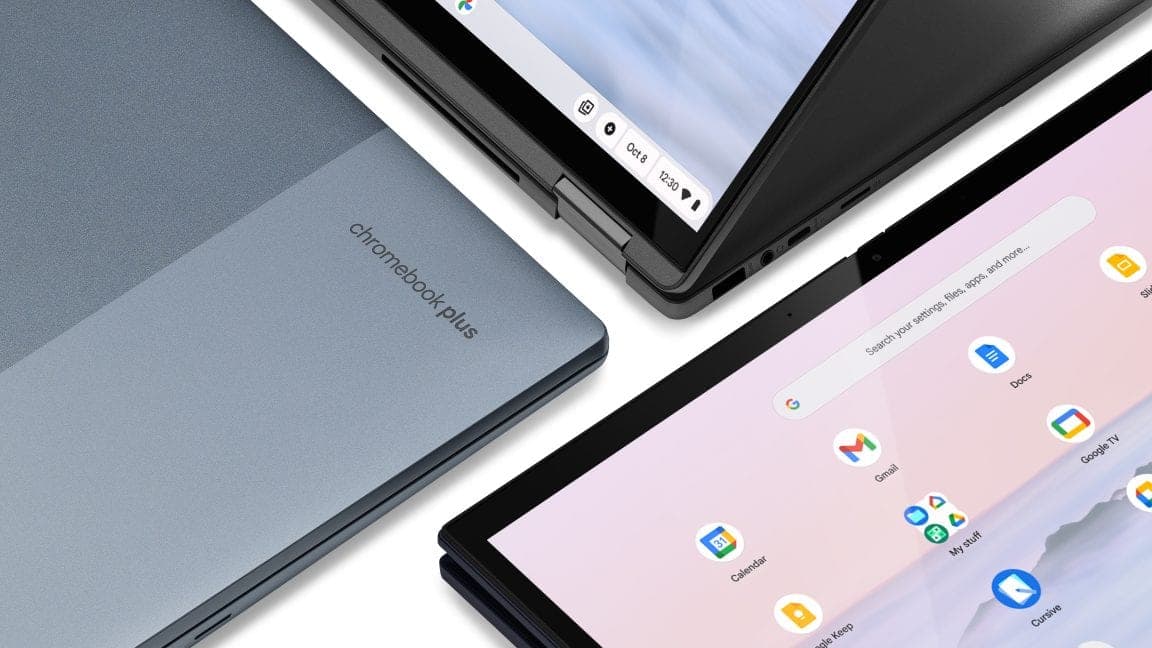
Google confirms ChromeOS support ends in 2034, as Googlebook OS takes over
A new Google support document confirms ChromeOS updates will stop in mid-2034, with newer Chromebooks eligible to migrate to Googlebook OS, the Android-based platform launching October 4.
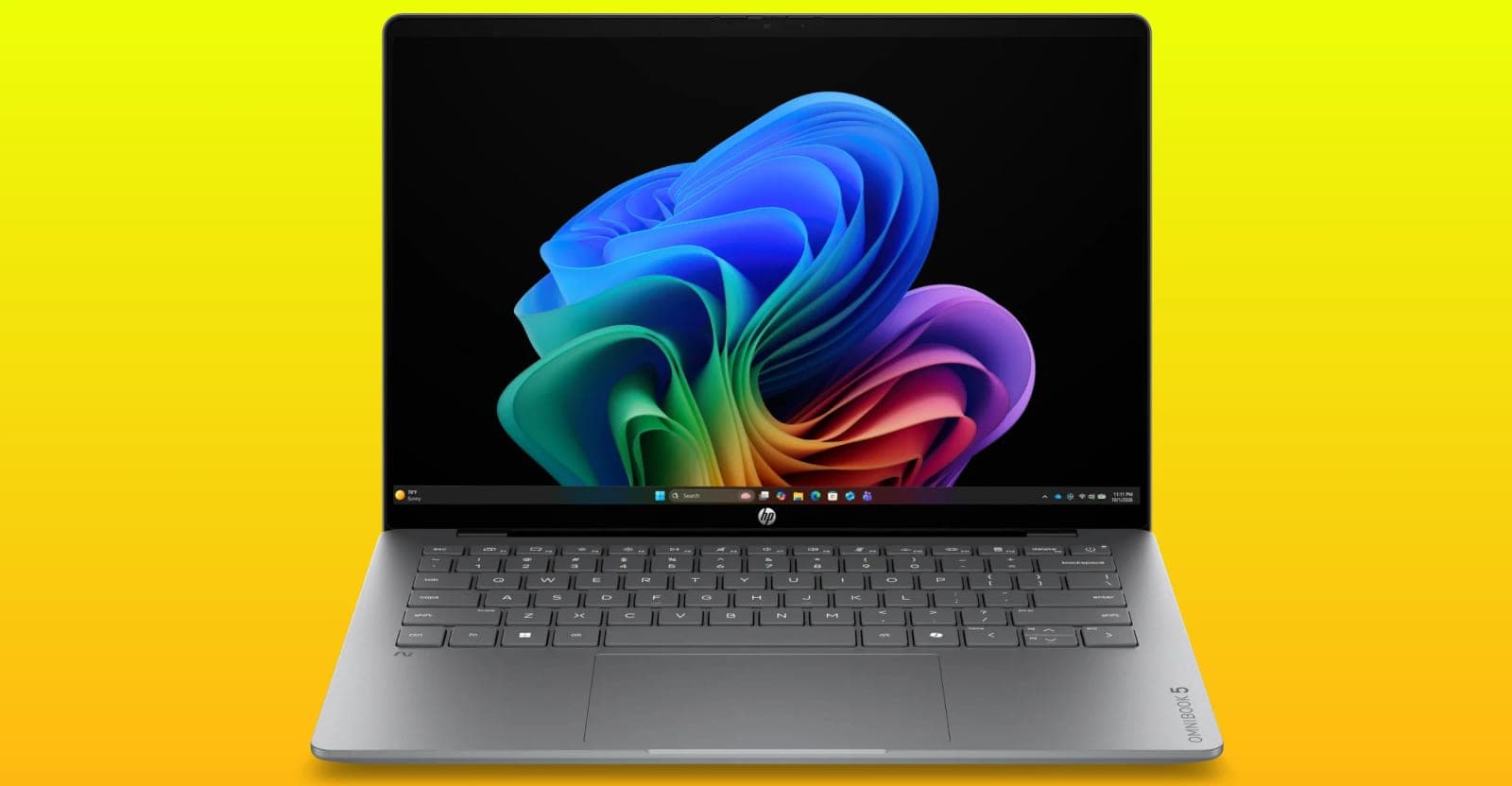
HP's answer to Apple's cheap new MacBook is a $699 laptop with a 42-hour battery claim
HP unveiled the OmniBook 5 14, a thinner, lighter OLED laptop starting at $699.99, positioned as a direct answer to Apple's budget-friendly MacBook Neo.
More in brief
- A researcher found the same AI agent flaw at Google, Rapid7 and more. He calls it 'protocol pivoting'Oct 5
- Lucid's production drops to its lowest level since early 2025 as it sells off unsold carsOct 5
- Utah lets an AI write first-time acne prescriptions, a US firstOct 5
- Reflection unveils Beam, an open-weight AI model it pitches as the West's answer to Chinese labsOct 5
- Wikimedia says 'rogue' OpenAI agents edited its wikis and may have helped cause a May outageOct 5
- TikTok launches an AI shopping assistant and one-click checkout in the For You feedOct 5