
Technology·News & analysis
Humble Bundle's new site drops two-factor login for accounts
Humble Bundle's redesigned storefront no longer lets you add two-factor login, and sign-in skips the code. Some users say it is back for them.

Tide
Wave
Sci-fi
2/10
Reality
In your hands
A lock that quietly forgot it had a second key.How we rate
Humble Bundle's redesigned storefront no longer lets users add or update two-factor verification, and people who had it on the old site say login no longer asks for a code.
A logged-in user can also change the password without typing the old one. Humble Bundle has not publicly explained the change, and some users say the feature has since returned for them. Until it is confirmed, security experts suggest a unique password and no saved cards.
What to know
- Humble Bundle relaunched its storefront with a new look in November 2026, and the settings page no longer lets you add or update two-factor verification.
- Users who set up two-factor login on the old site report signing in with only an email and a password. Some say the feature has since come back for them.
- Reports also say a logged-in user can change the password without typing the old one.
- Humble Bundle had not publicly explained the change when this story was written, and its help pages still recommend two-factor login.
Humble Bundle's new storefront has a new look, and it seems to have lost a lock on the way. The settings page no longer offers a way to add or update two-factor verification.
That is the news. Now the question that matters: is your account still protected, and what can you do tonight?
First, what is two-factor login?
Two-factor login means you prove who you are twice. First you type your password. Then you enter a short code from an app on your phone, a code that changes every few seconds.
Think of a front door with two locks. A thief who copies one key still cannot get in. That is why security experts call it one of the best habits you can have.
What changed on the new site?
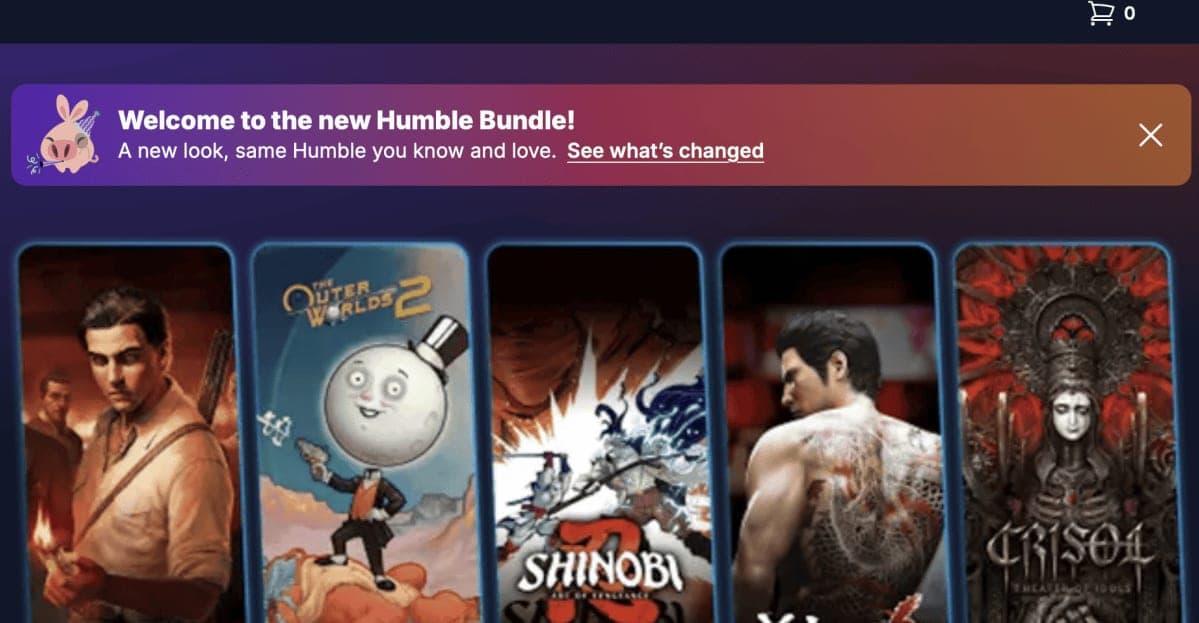
Humble Bundle sells pay-what-you-want game bundles, plus books and software. Its storefront was redesigned this month. People noticed quickly that something was missing.
- Settings: There is no longer a way to add or update two-factor verification.
- Sign-in: Users who set it up on the old site report that login now asks only for an email and a password.
- Help pages: Humble's support articles still describe two-factor verification, so the pages and the site no longer match.
Writers who tested the site saw different things. One found that login asked for an access code sent to their email. Another could sign in with just a password.
The catch: a code sent to your email is not the same thing. It is a different way to sign in, not a second check on top of your password.
What did the old site offer?
Before the relaunch, Humble Bundle had two layers. The first was Two-Step Verification: after your password, the site asked for a code from an authenticator app such as Google Authenticator.
The second was Humble Guard. Accounts without two-step login still got a code by email whenever someone signed in from a new browser or device.
On the new site, the "Security" heading sits at the very bottom of the settings page and holds a single item, the option to update your password. Neither of the old layers shows up there.
Why does a second step matter so much?
Passwords leak. When a small website gets hacked, lists of emails and passwords end up for sale, and thieves try the same pairs on big stores. If you reuse a password, a leak somewhere else can open your account here.
A second step stops that trick. The thief has your password but not your phone, so the door stays shut.
Why it matters: a Humble account can hold saved cards or PayPal, a Humble Choice subscription and every game key you have not redeemed yet. A Steam or GOG key works for whoever redeems it first.
How did people find out?
The change was spotted by users first. By 11 November, a game developer was warning on X that two-factor login had vanished from sign-in and settings. Threads on the Humble Bundle subreddit and other forums followed.
One user wrote that the situation was "insanely bad" and said password changes should be switched off until it is fixed. Another said they could no longer find a way to remove saved payment details.
In real life You bought a bundle two years ago, played one game and left nine keys unused. Those keys sit in your Humble library, and anyone who gets into your account can claim them first.
Are there other security gaps?
Some reports go further than the missing option. A user who was already logged in could change the account password without typing the old one. That was confirmed in a test while writing about the redesign.
Other reports say that when you change the email address on an account, the confirmation goes to the new address, not the old one. Both checks are standard. They exist so that a stranger on your unlocked laptop cannot take over your account.
These claims come from users and testers, and Humble Bundle has not confirmed them. Treat them as warning signs, not as proven facts.
Is it a bug or a choice?
Nobody outside the company knows yet. The new sign-in runs on a third-party login service called Ory, according to a review of the site's public code. A login service is a ready-made tool that handles passwords and codes so a company does not build its own.
Ory's documentation lists authenticator apps and security keys as second steps, so the system could support them. A security writer also found text for a "Two-Step Verification" section inside the settings page code that the page never shows.
What's next: that may mean the feature was planned and left out of the launch. Only Humble Bundle can say if it is coming back, and when.
Why did Humble Bundle redesign the site?
Humble Bundle belongs to IGN Entertainment, which is part of Ziff Davis. On its third-quarter earnings call, Ziff Davis CEO Vivek Shah said the old platform had elements that "interfered with conversions and customer experience". A conversion is when a visitor buys something.
The new site also adds new checkout options, new bundle pages and login with a passcode instead of a password.
Ziff Davis laid off a number of Humble Bundle engineers over the summer, and some commenters online guessed the rushed look was a result. There is no proof of that. Ziff Davis did not immediately reply to requests for comment.
Has anything been fixed?
Not publicly. Humble Bundle has not explained the change on its new site. Some users on the Humble Bundle subreddit say two-factor login has since been re-enabled for them.
It is not clear whether that applies to every account. The safest plan is to act as if it is off until you see it work for yourself.
What can you do right now?
You do not need to panic, but a few small steps make a big difference. Most take less than ten minutes.
- Change your password: Use a long, random one that you use nowhere else. A password manager, an app that creates and remembers passwords for you, makes this easy.
- Lock your email: Anyone who can open your inbox can ask Humble for an emailed sign-in code. Turn on two-factor login for your email account.
- Redeem your keys: A game in your Steam, GOG or Epic library is protected by that store's own login. Unused keys on Humble are the ones at risk.
- Remove saved cards: You can add them again when you check out.
- Be careful with emails: Messages that say two-factor login is "back" and ask you to click a link are exactly what scammers write. Open the site yourself.
Humble's own rules say support can replace keys only from purchases in the last 14 days. That makes losing old keys hard to undo.
What it means for you
- Check your settings: Open your Humble account and see what protects it today.
- Treat your password as the only lock: Make it unique, because it may be the only thing between a thief and your library.
- Protect your inbox: It is now part of your Humble security.
- Watch for news: If Humble brings two-factor login back, turn it on right away.
The bottom line
Humble Bundle's redesign appears to have removed the option to add two-factor login, and the company has not said why. The system behind the new sign-in could support it, so a fix may be simple.
Until then, a strong unique password, a locked-down email account and fewer saved cards are your best protection. It is a good reminder that a nice new look is not the same as a safe one.
Key facts
- What changed
- Two-factor login can no longer be added on the new site
- Site relaunch
- November 2026
- Owner
- Ziff Davis (also owns IGN)
- Company response
- No public explanation yet
- Who is affected
- Users with a Humble Bundle account
Got questions?
Quick answers, plain wordsDid Humble Bundle remove two-factor authentication?
On the redesigned site, the settings page no longer lets you add or update two-factor verification, and many users say login no longer asks for a code. Humble Bundle has not publicly said whether this is intentional or a bug.
What is two-factor authentication?
It means signing in takes two proofs, not one. You enter your password, and then a short code from an app or a message that only you can see.
Is my Humble Bundle account safe right now?
If your password is long, random and used nowhere else, you are in a better spot than most. If you reuse it on other sites, it is worth changing it today.
Can I still sign in with an emailed code?
Yes. The new sign-in offers a one-time code sent to your email. That is another way in, not a second step, so anyone who can open your inbox may get in too.
Has Humble Bundle said anything about it?
Not publicly when this was written. The owner, Ziff Davis, did not immediately reply to requests for comment, and the help pages still tell users to turn on two-factor login.
Is two-factor login back for some users?
Some users on the Humble Bundle subreddit say the feature has been re-enabled for them. It is not clear whether that applies to everyone.
Should I remove my saved payment details?
Many users and writers suggest it while the situation is unclear. You can always add the card again at checkout.
Do my game keys disappear if someone logs in?
A thief could view and redeem keys you have not used yet. Humble's rules say support can replace keys only from the last 14 days, so redeeming your keys soon is a good idea.
Who owns Humble Bundle?
Humble Bundle belongs to IGN Entertainment, which is part of the media company Ziff Davis.
SourcesThe Verge
Topics and tagshumble bundle, two factor authentication, account security, ziff davis
Related stories
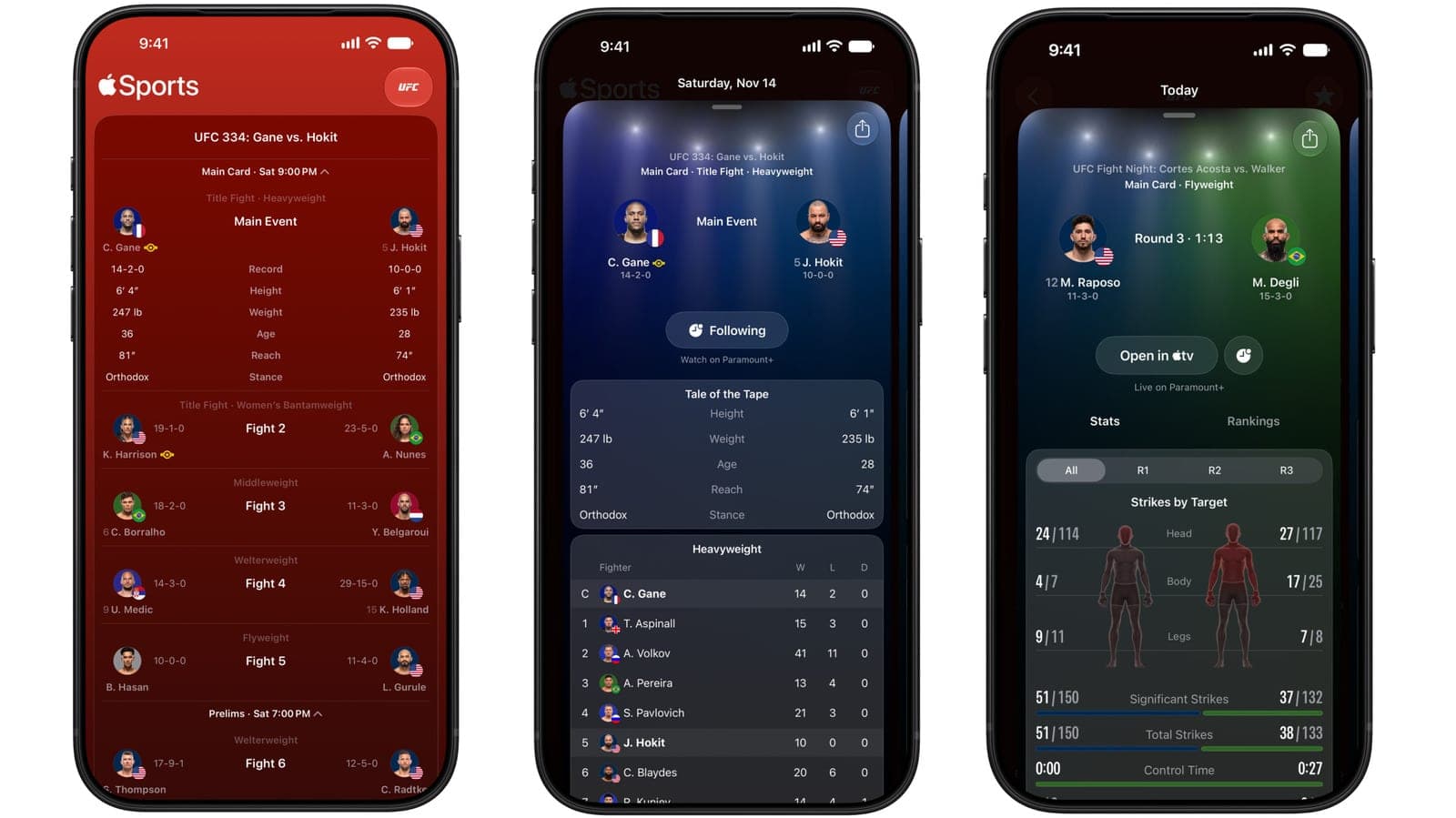
Apple Sports adds UFC with live stats for every fight on the card
Apple's free Sports app now covers UFC, starting with UFC 334 this Saturday. You get fight-by-fight numbers, a strike map and lock screen updates.

SignDrop, a new Windows zero-day, gives attackers full System rights
A researcher with a long feud against Microsoft published SignDrop, an unpatched Windows flaw that turns a normal account into the most powerful one on the PC.

BYD apologizes after wrong wheels ship on its Great Tang SUV
BYD says some Great Tang SUVs left the factory with their front and rear rims swapped. It will replace the rims for free and restart the warranty.
More in brief
- Tesla opens Cybercab orders at $29,990, plus $299 a month to drive itNov 14
- LangChain raises $300 million at a $3 billion valuation for AI agentsNov 13
- Microsoft's AI Frontiers research group is over, says co-founder John LangfordNov 13
- Microsoft 365 outage cuts off Outlook, Teams and Copilot for hoursNov 13
- A Caltech robot built part of a structure in orbit, on its ownNov 13
- SpaceX wants a 6-gigawatt AI data center in the Arizona desertNov 13