
Technology·News & analysis
Apple and the American Academy of Pediatrics release a guide for healthy digital habits
Apple partnered with the American Academy of Pediatrics on a new six-step guide showing families how to use Screen Time, Child Accounts, and other tools together.
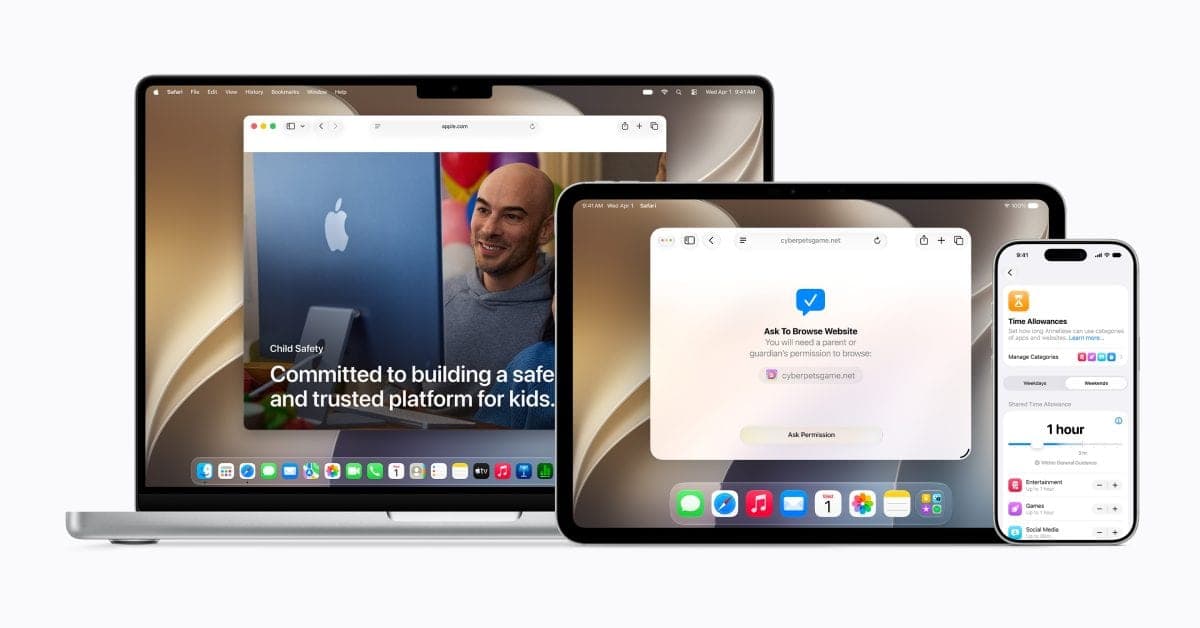
Apple and the American Academy of Pediatrics released a six-step guide pairing Apple's existing parental control features with clinical screen-time guidance.
It's the practical implementation of pediatric recommendations, rather than new tools or settings. Pairing a major tech company's product ecosystem directly with a leading medical association's name is notable at a moment when tech companies face sustained pressure over how young users interact with their products.
What to know
- Apple partnered with the American Academy of Pediatrics to release a guide called 'Building Healthy Digital Habits: A Guide for Families.'
- The guide outlines six steps: starting a screen time conversation, creating a Child Account, setting app and website safety settings, scheduling device use, managing communications, and adjusting the plan as kids grow.
- Communication Safety, which helps protect kids from sensitive content, is on by default for all users under 18.
- The guide incorporates AAP screen time recommendations spanning from infants through teenagers.
- It's available now at support.apple.com/guide/aap-apple, with features requiring iOS 27, iPadOS 27, or macOS 27 depending on device.
Apple isn't launching new parental controls this week. It's teaming up with pediatricians to explain how to actually use the ones it already has.
What Apple released
Apple partnered with the American Academy of Pediatrics on a new guide called "Building Healthy Digital Habits: A Guide for Families," walking parents through a structured process for managing their children's device use.
- The approach: pairs Apple's existing Screen Time and parental control features with AAP clinical recommendations.
- The scope: covers guidance spanning from infants through teenagers.
- The format: a six-step framework rather than a simple settings checklist.
The catch: this isn't new software. Every feature referenced already exists in Apple's ecosystem. What's new is the structured guidance connecting those features to actual pediatric advice.
The six steps
Apple's guide breaks the process into a specific sequence rather than presenting settings as a disconnected list:
- Start the conversation: talk to your child about screen time and set expectations together before changing any settings.
- Create a Child Account: unlocks age-based safeguards and gives parents access to the relevant controls.
- Set safety settings: use Ask to Buy and Ask to Browse so families can review new apps and websites together before a child accesses them.
- Make a schedule: use Time Allowances and Schedules to balance screen time against sleep, schoolwork, and in-person activities.
- Manage communications: decide who a child can communicate with, backed by Communication Safety protections.
- Keep adjusting: revisit and update the plan as a child grows and their needs change.
That sequencing matters. Apple is explicitly framing this as an ongoing conversation between parent and child, not a one-time settings configuration a parent sets once and never revisits.
Communication Safety is on by default
One detail stands out from the rest of the guide: Communication Safety, which helps protect kids from viewing or sharing sensitive content in their messages, is already enabled by default for every user under 18, without a parent needing to turn it on manually.
By the numbers: that default-on approach differs from most of the other tools in the guide, which require a parent to actively set up a Child Account and configure Time Allowances, Ask to Buy, and Ask to Browse manually before they take effect.
The AAP recently changed its own thinking
This guide arrives shortly after the AAP itself significantly revised its screen time philosophy. In February 2026, for the first time in a decade, the organization updated its guidance, moving away from the rigid hourly caps it had recommended since 2016, when it suggested limiting children to two hours of screen time a day.
The new framework: rather than a universal time limit, the AAP now centers its guidance on what it calls the "5 C's": Child, Content, Calm, Crowding Out, and Communication. The organization's current position is that available evidence doesn't support a single hourly cap applying to every child, and that the quality and context of screen use matter more than the raw total.
That shift matters directly for how Apple's guide is framed. Rather than pushing parents toward a specific number of allowed hours, the six-step process emphasizes conversation, context, and ongoing adjustment, language that tracks closely with the AAP's newer, less rigid approach rather than the stricter numeric guidance it replaced.
Screen Time's uneven track record
Apple's Screen Time feature itself isn't new. It launched in September 2018 as part of iOS 12, giving users detailed activity reports on app usage, notifications received, and phone pickups.
The feature has drawn real criticism since then. It doesn't distinguish between mindless scrolling and genuinely relevant activity within the same app category, and offers only limited historical data for spotting longer-term patterns.
Its limits have also been widely reported as easy for tech-savvy kids to bypass entirely.
Accuracy has also been a recurring complaint, with some iOS updates in past years causing Screen Time to report wildly inflated usage numbers, in some cases showing 20 or more hours of daily use on a phone that had been sitting idle.
That history is useful context for a family guide leaning heavily on these same tools: the underlying feature set has a documented, imperfect track record, even as Apple pairs it now with more structured pediatric guidance.
What you need to use it
The features referenced throughout the guide require iOS 27, iPadOS 27, or macOS 27 depending on the device. Apple specifically notes that Family Sharing, the underlying system linking a family's devices and accounts together, works best when everyone's devices are running matching software versions.
That version requirement is a practical detail worth knowing before diving into the guide: a family with a mix of older and newer devices may find some features behave inconsistently until every device involved is updated to the current OS release.
Why a pediatric partnership specifically
Rather than issuing purely technical documentation, Apple grounded this guide in recommendations from a major medical association instead of presenting it as product marketing alone. That distinction matters for how the guidance is likely to be received: recommendations tied to established pediatric research carry different weight with parents than a features list published directly by the company selling the devices.
Why it matters: tech companies have faced sustained pressure over how children interact with their products, from screen time concerns to social media's effects on youth mental health. Pairing existing tools with clinical guidance is a way for Apple to position its ecosystem as the practical implementation of expert recommendations, not just another set of toggles buried in Settings.
How this compares to Google and other platforms
Apple isn't the only major tech company offering parental control tools tied to a child's age. Google's Family Link, Microsoft's family safety settings, and various device-specific controls from companies like Amazon all offer broadly similar functionality: screen time limits, app approval requirements, and content filtering tied to a linked child account.
What sets this specific move apart: it's less about the underlying technical capability, which is genuinely similar across major platforms, and more about the explicit, named partnership with a specific pediatric medical association. Framing existing settings as the practical output of a clinical framework, rather than just another company's product documentation, is the notable part of this announcement, not the individual features themselves.
That distinction may matter more for parents' trust than for the actual functionality. A guide co-branded with a recognized pediatric authority carries a different kind of credibility than a features page written entirely by Apple's own marketing team, even when the underlying settings being described are functionally identical either way.
What this doesn't do
It's worth being clear about what this guide isn't. It doesn't introduce new restrictions, new monitoring capabilities, or new default behaviors beyond the existing Communication Safety default. Every tool referenced already existed in Apple's software before this announcement.
What's genuinely new is the framing: a structured, six-step process co-branded with a respected pediatric organization, intended to make existing tools less intimidating and more actionable for parents who may not have known where to start, or which settings actually matter most for their child's specific age.
The bottom line
Apple's guide doesn't hand parents any new technical power over their children's devices, but it does something arguably more useful for most families: it turns a scattered list of settings into a sequence with a clear starting point and rationale, backed by a pediatric association's name rather than just Apple's own product team.
Whether that translates into meaningfully different behavior from families who already had access to every one of these tools is the real open question.
Key facts
- Partner
- American Academy of Pediatrics
- Guide name
- Building Healthy Digital Habits: A Guide for Families
- Steps outlined
- 6
- Default for under-18 users
- Communication Safety enabled
- Where to find it
- support.apple.com/guide/aap-apple
Got questions?
Quick answers, plain wordsWhat is this guide?
'Building Healthy Digital Habits: A Guide for Families,' a resource Apple created in partnership with the American Academy of Pediatrics to help parents use Apple's existing tools alongside pediatric guidance on screen time.
What are the six steps it covers?
Starting a screen time conversation with your child, creating a Child Account with age-based safeguards, setting app and website safety settings like Ask to Buy and Ask to Browse, scheduling device use with Time Allowances, managing who your child can communicate with, and adjusting the plan as your child grows.
What is Communication Safety?
A feature that helps protect kids from viewing or sharing sensitive content in their communications. It's on by default for all users under 18.
Do I need to update my devices to use this?
The features referenced in the guide are available through iOS 27, iPadOS 27, and macOS 27, and Apple notes that Family Sharing works best when devices are running matching versions.
Who is the guide meant for?
Families with children of any age, from infants through teenagers, since it incorporates AAP screen time recommendations spanning that full age range.
Where can I find it?
The guide is published at support.apple.com/guide/aap-apple. Availability of specific features may vary by region and language.
Is this guide the same everywhere?
The core framework is consistent, but Apple notes that specific feature availability can vary by region and language.
Why did Apple partner with a pediatric association specifically?
Rather than issuing purely technical guidance, Apple paired its existing Screen Time and parental control tools with clinical recommendations from a major pediatric medical association, aiming to ground the advice in established child development guidance rather than just product features.
SourcesApple Newsroom
Topics and tagsApple, apple, screen time, parental controls
Related stories
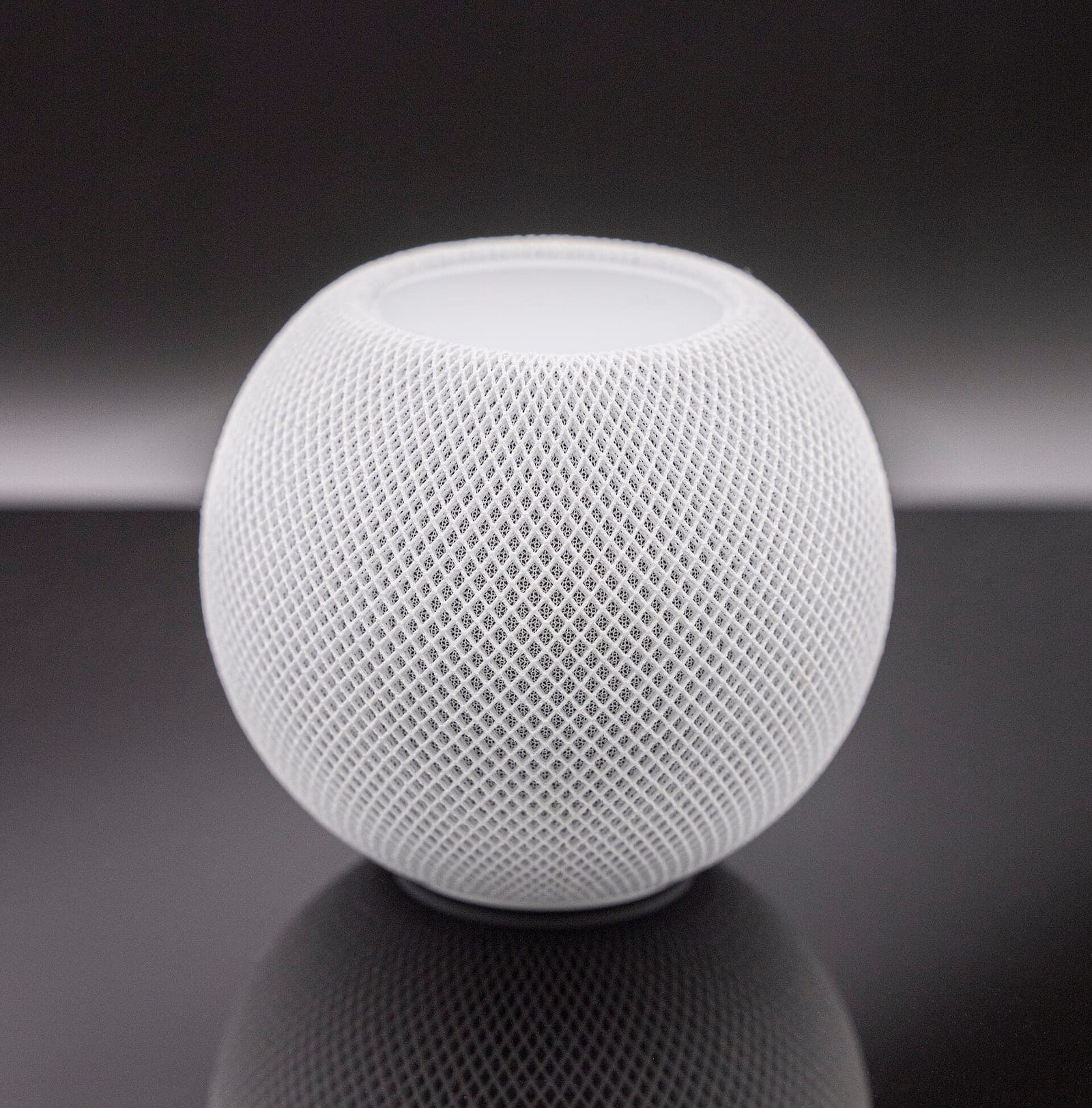
Apple's smart home hub reportedly launches October 13, with a camera that never records video
Bloomberg's Mark Gurman says Apple will announce its long-rumored smart home display on October 13. He also describes a companion home camera that sends text descriptions instead of video.
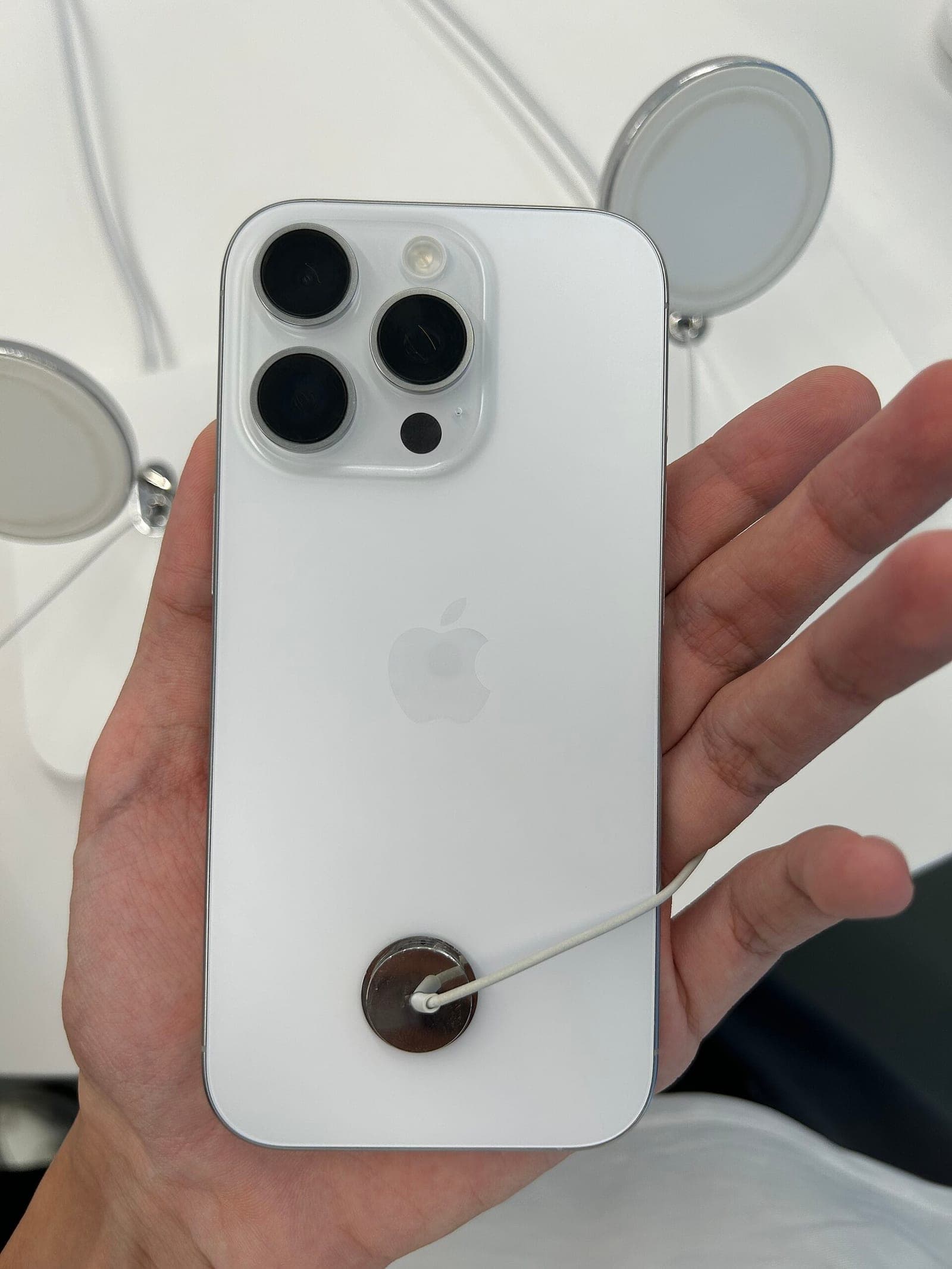
GrayKey maker reportedly found a way around the iPhone's Inactivity Reboot
A leaked training video seen by 404 Media says Magnet Forensics' new tools keep a seized iPhone in an easier-to-search state, even after the reboot Apple added in iOS 18.1.

Apple Music just reached 4 countries it somehow skipped for 11 years
Apple Music quietly launched in Albania, Brunei, Burkina Faso, and Pakistan, bringing its global total to 172 countries and regions more than a decade after the service first debuted.
More in brief
- arXiv limits researchers to two papers a month as AI drives submissions to a recordOct 2
- California will fine robotaxi companies that block first responders for over 30 minutesOct 2
- Microsoft launches real-time transcription and new voice models for AI voice agentsOct 1
- Cloudflare releases Clef, open-weight AI models that make yes-or-no decisions fastOct 1
- Fervo's Cape Station becomes the first enhanced geothermal plant to sell power commerciallyOct 1
- Cloudflare renames its data platform Basin and makes it generally availableOct 1