
Technology·News & analysis
Apple releases iOS 27.0.1, fixing an iPhone 18 Pro Face ID crash bug
Apple released iOS 27.0.1, a bug-fix update addressing an iPhone 18 Pro and Pro Max issue that caused unexpected restarts when Face ID failed, along with a touchscreen freeze bug affecting all iPhones.
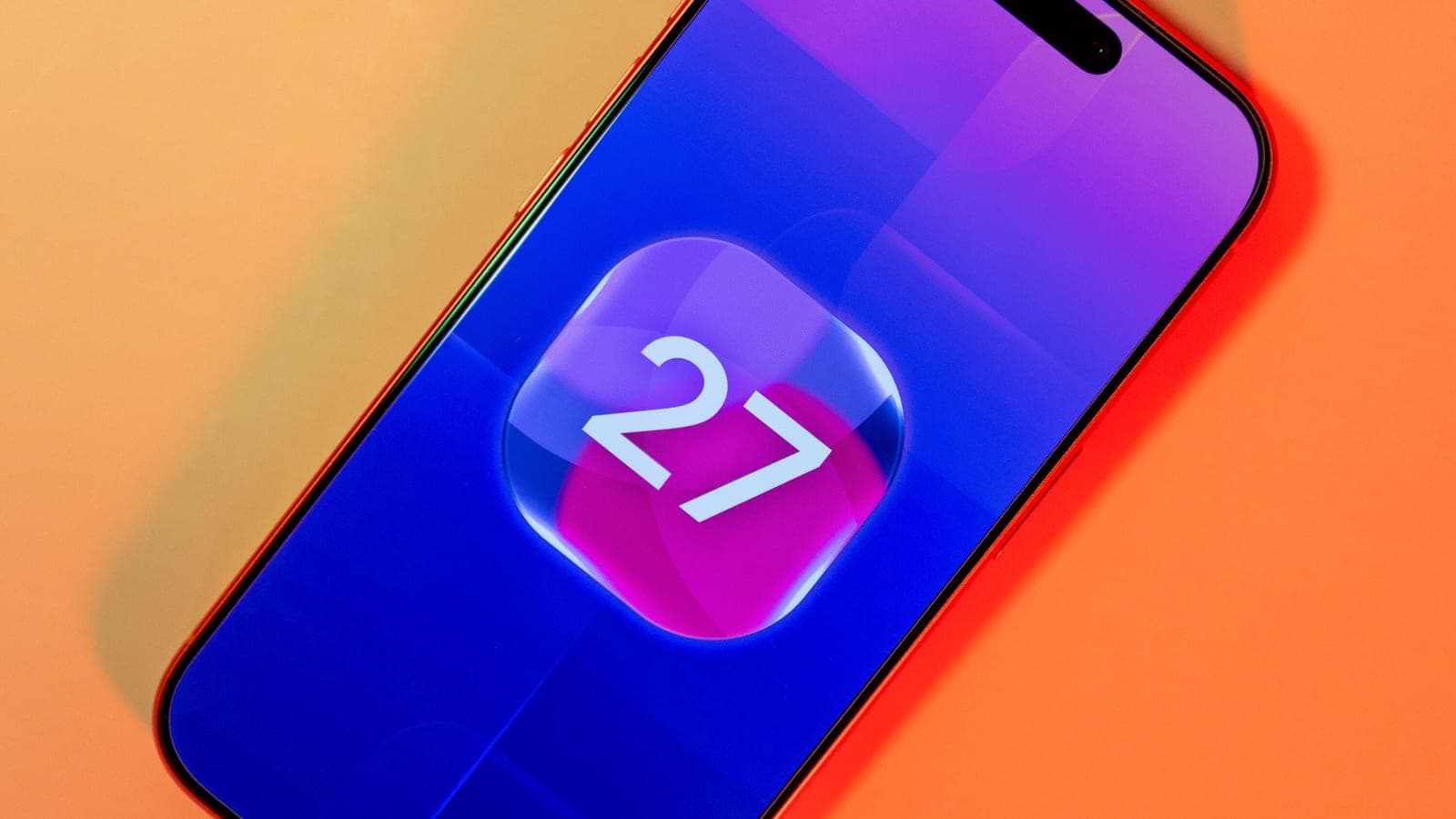
Apple released iOS 27.0.1, fixing three bugs about two weeks after iOS 27's initial launch.
The most serious affects iPhone 18 Pro and Pro Max devices, which could unexpectedly restart when Face ID failed to authenticate, an issue serious enough that some users on Reddit advised skipping Face ID setup entirely. A separate touchscreen freeze bug affects all iPhone models. Apple also released iPadOS 27.0.1 the same day with general bug fixes.
What to know
- Apple released iOS 27.0.1, a bug-fix update arriving about two weeks after iOS 27's initial launch.
- The update fixes an iPhone 18 Pro and Pro Max bug that caused unexpected restarts when Face ID failed to authenticate.
- A separate fix addresses a touchscreen freeze that could occur when opening Notification Center and Control Center at the same time, affecting all iPhone models.
- A third fix resolves a color artifact bug in photos taken at 2x zoom under certain lighting on iPhone 18 Pro and Pro Max cameras.
Two weeks after iOS 27 shipped, Apple is already cleaning up after itself. iOS 27.0.1 landed Monday with three targeted bug fixes, one of them serious enough that owners were avoiding a core iPhone feature to dodge it.
What got fixed
Apple's release notes list three specific issues addressed in this update, covering both a widespread annoyance and a more serious device-specific bug.
- Face ID crashes: iPhone 18 Pro and Pro Max could unexpectedly restart when Face ID failed to authenticate.
- Touchscreen freeze: Opening Notification Center and Control Center at the same time could make the screen unresponsive, on any iPhone model.
- Camera artifact: Photos taken at 2x zoom under certain lighting at f/1.48 could show a color artifact, limited to a small number of iPhone 18 Pro and Pro Max units.
The catch: only the touchscreen freeze fix applies to every iPhone model. The other two are specific to this year's Pro lineup.
How to install it
Updating takes the usual path: open Settings, tap General, then Software Update, tap Update Now, and follow the prompts.
In real life If you own an iPhone 18 Pro or Pro Max and have avoided setting up Face ID because of restart complaints, this update is specifically meant to fix that, so it's worth installing before turning the feature on.
Some iPhone 18 Pro users had been advising others on Reddit to skip Face ID setup entirely until Apple shipped a fix, according to CNET's reporting.
The Face ID bug's backstory
This wasn't a fix that came out of nowhere. 9to5Mac had previously reported on iPhone 18 Pro and Pro Max users experiencing crashes tied to failed Face ID authentication, and Apple had already promised a fix was coming this week before iOS 27.0.1 actually delivered it.
By the numbers: iOS 27 itself launched about two weeks before this patch, following Apple's typical pattern where a major yearly release surfaces bugs during wider public use that beta testing didn't catch.
What's not in the release notes
9to5Mac points out that Apple's official release notes aren't always a complete list of what changed. That means iPhone models beyond the 18 Pro and Pro Max, including older devices, could see stability improvements or minor fixes that Apple didn't specifically call out.
That's a common pattern with point releases like this one: the named fixes address the most visible or most-reported issues, while smaller under-the-hood changes ride along without individual mention.
Apple rarely publishes a full technical changelog for these incremental updates, preferring the short, consumer-facing bullet list format used here. That keeps release notes readable for everyday users, but it also means anyone trying to track down whether a specific, less-common glitch was addressed usually has to wait and see whether it recurs after installing, rather than checking a list.
What iOS 27 actually changed
To understand why a point release like this matters, it helps to know what iOS 27 itself was trying to do. Apple unveiled it at WWDC on June 8, 2026, with the public release following on September 14, giving this bug-fix update a roughly two-week runway before landing.
The big picture: iOS 27 centered on three areas: a rebuilt Siri with its own dedicated app powered by expanded Apple Intelligence, new child safety and parental control tools, and broad performance improvements. Apple claimed apps launch up to 30% faster, new photos load up to 70% faster, and AirDrop transfers run up to 80% faster than before.
The release also expanded Apple Intelligence's writing tools and added the ability to generate images through a private cloud model, alongside new Photos app editing tools like Clean Up, Expand, and Spatial Reframing. Parental controls got more granular too, letting parents set separate limits for games, entertainment, and social media, plus an "Ask to Browse" feature requiring approval for unfamiliar websites.
Not every promised feature shipped at launch, which is part of why point releases like 27.0.1 carry real weight: they're not just patching what broke, they're often catching up on what Apple didn't quite finish in time for the initial release.
iPad gets an update too
Apple didn't stop at iPhones. iPadOS 27.0.1 also released the same day, though its release notes are far less detailed, simply stating the update "provides bug fixes for your iPad" without listing specific issues addressed.
That vagueness makes it harder to know exactly what iPad owners are getting, but installing general bug-fix updates promptly is typically low-risk and often resolves issues users haven't even reported yet.
How iOS 27 was received early on
Early reviews of iOS 27 generally described it as a solid, if incremental, update once the performance work settled in. Coverage from outlets that tested it for an extended period noted the system felt noticeably peppier than iOS 26, crediting Apple's stated focus on faster app launches and quicker photo loading for that impression.
By the numbers: reviewers who spent real time with the release said the improvements held up in daily use rather than just looking good in Apple's own marketing claims, a distinction that doesn't always hold for yearly software updates. That's part of why a fast follow-up patch like 27.0.1 matters: it protects that early positive impression rather than letting a handful of frustrating bugs define the release in its first few weeks.
Why these specific bugs showed up
Both Pro-specific fixes trace back to genuinely new hardware, not just software carried over from last year. The iPhone 18 Pro and Pro Max launched September 18, 2026, starting at $1,199, a $100 increase over the previous generation.
What's next: the camera artifact bug is tied directly to a new variable-aperture main camera, which can switch between f/1.48, f/1.8, f/2.8, and f/4.0 depending on shooting conditions, a first for the iPhone lineup. New camera hardware like that introduces new edge cases that simply didn't exist on previous models, which helps explain why this particular bug only affects 2x zoom shots at the widest f/1.48 setting under certain lighting.
The Face ID restart issue similarly points to something new in how the TrueDepth camera system interacts with this year's hardware, though Apple hasn't detailed the technical root cause beyond confirming the fix.
Notably, full under-display Face ID remains off the table for this generation, so the sensor layout causing the bug is still the traditional notch-adjacent TrueDepth setup, just paired with new internals elsewhere in the phone that could plausibly introduce a new failure mode.
It's also worth noting the 18 Pro launch itself was somewhat overshadowed. Coverage at the time noted the Pro and Pro Max played second fiddle to Apple's flashier foldable iPhone Duo, which doesn't reach stores until next month, meaning many of the Pro line's teething issues are only now getting full attention as more units land in customers' hands.
That delayed attention pattern is fairly common with Apple's annual releases: the most-hyped device draws the early coverage, while less flashy hardware quietly accumulates real-world bug reports over the following weeks as more units actually reach customers' hands.
The bottom line
None of these three fixes are flashy, but the Face ID restart bug was serious enough that some iPhone 18 Pro owners were disabling a core security feature to avoid it, which is exactly the kind of problem a point release exists to solve. If you're on iOS 27 already, there's little reason to wait on this one, especially with a touchscreen freeze fix that affects every supported iPhone model.
Two weeks from major launch to first real bug-fix patch is a fairly typical cadence for Apple these days, and it usually signals the software has moved past its most chaotic early days without yet reaching the more comprehensive x.1 update that tends to follow a month or two later. Expect at least one more round of fixes before the next feature-sized release arrives.
Key facts
- Update
- iOS 27.0.1
- Released
- September 28, 2026
- Days after iOS 27
- ~2 weeks
- Bugs fixed
- 3
- Also released
- iPadOS 27.0.1
Got questions?
Quick answers, plain wordsWhat does iOS 27.0.1 fix?
Three bugs: an iPhone 18 Pro/Pro Max restart issue tied to failed Face ID authentication, a touchscreen freeze when opening Notification Center and Control Center together, and a color artifact in photos taken at 2x zoom on iPhone 18 Pro/Pro Max cameras.
How do I install iOS 27.0.1?
Go to Settings, then General, then Software Update, tap Update Now, and follow the on-screen prompts.
Which iPhones are affected by the Face ID bug?
Only iPhone 18 Pro and iPhone 18 Pro Max. The bug could cause the device to unexpectedly restart when Face ID failed to authenticate the user.
Does the touchscreen freeze bug affect all iPhones?
Yes, that specific issue, freezing when Notification Center and Control Center are opened at the same time, is the only one of the three fixes that applies across all iPhone models, according to 9to5Mac.
How serious was the Face ID restart bug?
Serious enough that some iPhone 18 Pro users on Reddit reported the issue and advised others not to set up Face ID at all until a fix arrived, according to CNET's reporting.
What is the camera bug in iOS 27.0.1?
A color artifact could appear in photos captured at 2x zoom under certain lighting conditions at f/1.48 on a small number of iPhone 18 Pro and Pro Max devices.
When did iOS 27 originally launch?
About two weeks before this update, according to both CNET and 9to5Mac's reporting.
Did iPads get an update too?
Yes, Apple released iPadOS 27.0.1 the same day. Its release notes simply describe general bug fixes without listing specifics.
Are there other bug fixes not listed in Apple's release notes?
Possibly. 9to5Mac notes that Apple's release notes aren't always comprehensive, so older iPhone models may benefit from additional unlisted fixes in iOS 27.0.1.
Should everyone install iOS 27.0.1?
CNET recommends it for all iPhone users, even those without an iPhone 18 Pro, since the touchscreen freeze fix applies broadly and general software updates typically improve stability.
SourcesCNET
Topics and tagsApple, Smartphones, apple, ios
Related stories
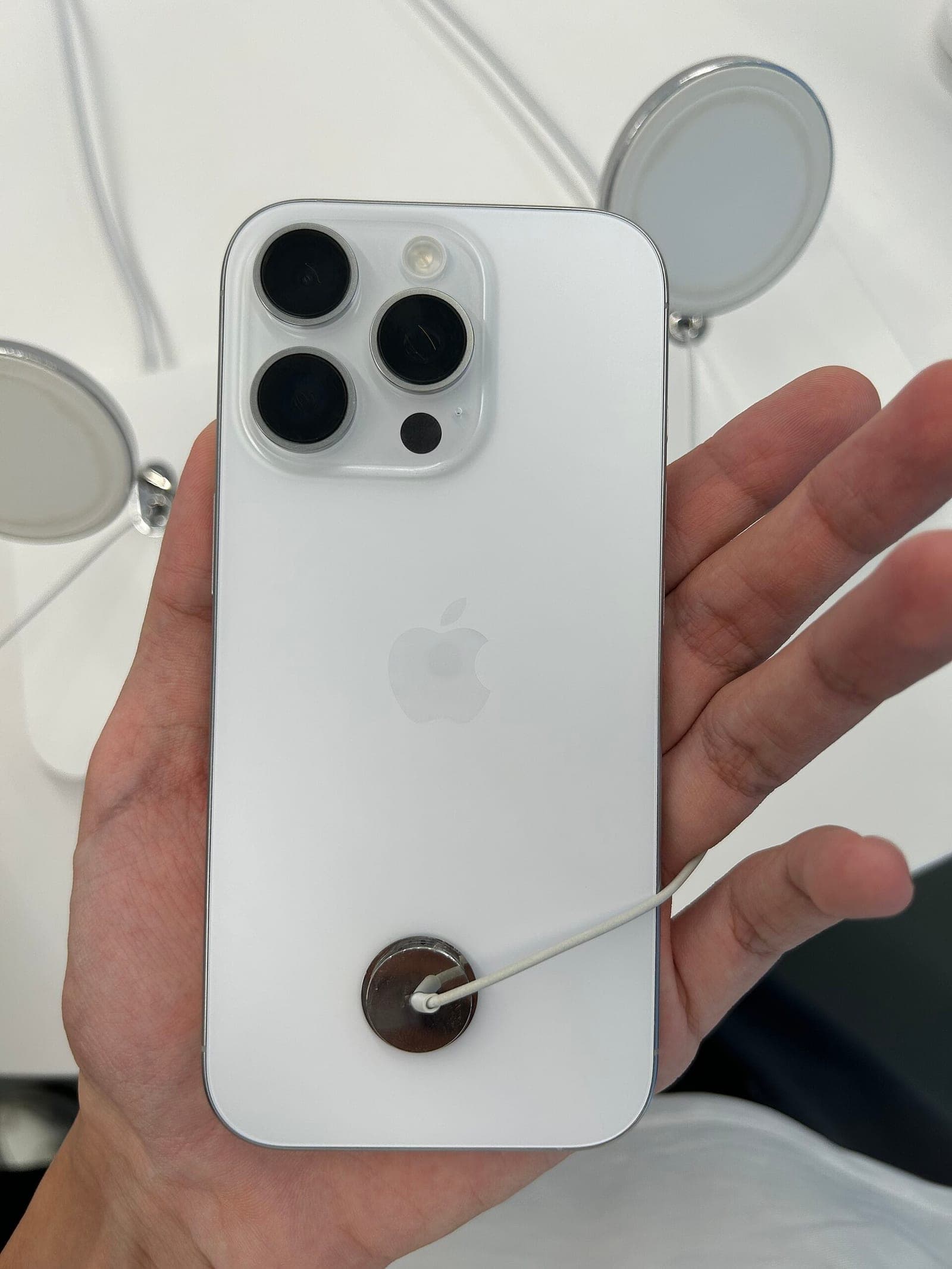
GrayKey maker reportedly found a way around the iPhone's Inactivity Reboot
A leaked training video seen by 404 Media says Magnet Forensics' new tools keep a seized iPhone in an easier-to-search state, even after the reboot Apple added in iOS 18.1.

Apple patches a zero-day flaw already used in 'extremely sophisticated' targeted attacks
Apple fixed CVE-2026-86950, a CoreGraphics flaw reported by Meta and already exploited against specific targeted individuals, in its seventh zero-day patch of 2026.
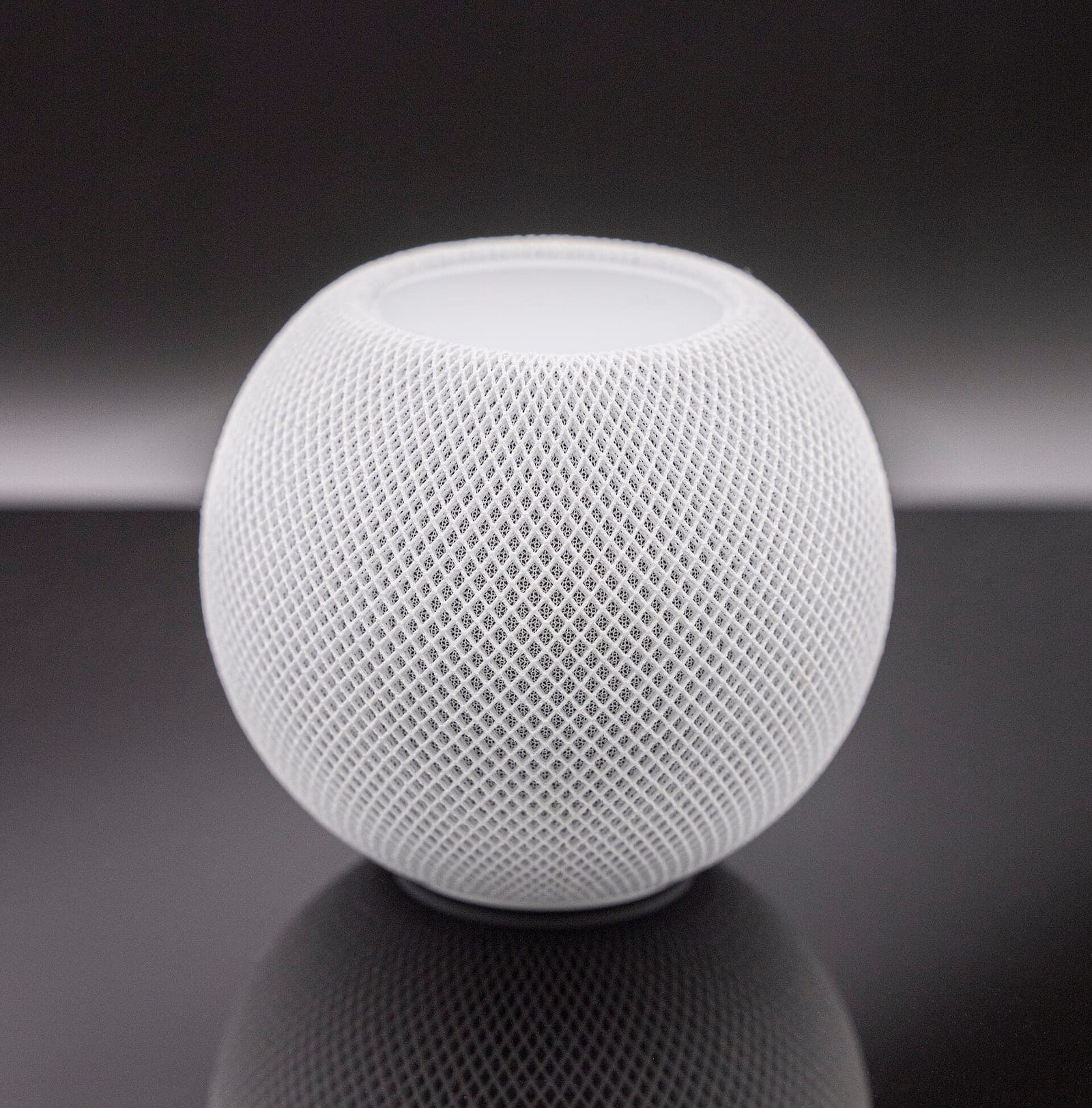
Apple's smart home hub reportedly launches October 13, with a camera that never records video
Bloomberg's Mark Gurman says Apple will announce its long-rumored smart home display on October 13. He also describes a companion home camera that sends text descriptions instead of video.
More in brief
- California will fine robotaxi companies that block first responders for over 30 minutesOct 2
- Microsoft launches real-time transcription and new voice models for AI voice agentsOct 1
- Cloudflare releases Clef, open-weight AI models that make yes-or-no decisions fastOct 1
- Fervo's Cape Station becomes the first enhanced geothermal plant to sell power commerciallyOct 1
- Cloudflare renames its data platform Basin and makes it generally availableOct 1
- ChatGPT can now show you wearing clothes before you buy themOct 1