
AI·News & analysis
ChatGPT now lets you lock sensitive chats behind a PIN
OpenAI is rolling out Locked Chats in ChatGPT. Protect a conversation with a four-digit PIN or Face ID, but know it is not end-to-end encryption.
Tide
Wave
Sci-fi
3/10
Reality
Shipping
A diary lock for your chatbot.How we rate
OpenAI announced Locked Chats for ChatGPT, letting you protect a conversation with a four-digit PIN or Face ID and keep it out of your normal history, pinned chats and search.
Locked chats get their own separate memory. They are not end-to-end encrypted, and OpenAI's retention and training settings stay the same. The feature is rolling out gradually to Free, Go, Plus, Pro, Business, Enterprise and Edu plans.
What to know
- OpenAI announced Locked Chats for ChatGPT: lock a conversation with a four-digit PIN, or use Face ID or Touch ID on supported devices.
- Locked chats move to their own section, away from regular history, pinned chats and search, and get a separate memory.
- It is not end-to-end encryption: retention, model-training settings and earlier memories do not change.
- Resetting your PIN permanently deletes every locked chat and file, and OpenAI Support cannot recover them.
OpenAI announced on Tuesday that you can now lock ChatGPT conversations, TechCrunch reports. So here's the fun question: what does a lock on a chatbot actually protect you from?
What are Locked Chats?
Locked Chats let you pick a conversation and put it behind a gate. You open that gate with a four-digit PIN. On supported phones you can use Face ID or Touch ID instead.
Once locked, the chat leaves your normal list. Engadget reports it no longer appears in your regular chat history, your pinned chats or your conversation search. Instead it moves to a dedicated "Locked Chats" section. Engadget describes that section as a new project with that name.
In real life You are planning a surprise trip for your partner with ChatGPT. You lock that chat. Later you hand over your phone to show them a recipe, and the trip plan is not sitting in the sidebar.
OpenAI says that is the main idea. TechCrunch explains it is meant for moments when you discuss something personal, or plan a surprise, and then hand your device to friends or family to show them something in another chat.
How is it different from Temporary Chat?
ChatGPT already had a privacy option, Temporary Chats. Those are a separate session that does not show up in your history.
Locked Chats work the other way around. They stay. TechCrunch notes you can return to a locked chat at any time. So a Temporary Chat is for a conversation you want to forget. A locked chat is for one you want to keep but not show.
Think of it like the difference between a sticky note you throw away and a diary with a small clasp.
What happens to memory?
The big picture: ChatGPT's memory is the part that makes it feel personal. It remembers things across conversations. That is also the part that could leak a secret into an unrelated chat.
OpenAI built a wall for this. With Memory turned on, Locked Chats gets its own separate memory. That memory is shared across the conversations inside the locked section.
New messages you send after locking a chat can update that locked memory. They do not update your regular Memory, TechCrunch reports. So what you tell ChatGPT in a locked chat should not show up in an everyday conversation.
What does the lock not do?
This is the part to read twice. OpenAI says locking a chat is not end-to-end encryption and not a separate encrypted vault.
TechCrunch lists what stays the same:
- Retention: locking does not change how long OpenAI keeps the chat.
- Training settings: the "Improve the model for everyone" setting is unchanged.
- Older memories: anything ChatGPT remembered before you locked the chat is not removed.
Engadget adds a plain warning from OpenAI's new support page. Locked chats are not a way around OpenAI's legal obligations if you get into trouble with your workplace or the law.
The catch: the lock protects your screen from the people next to you. It does not make your chat invisible to the company that stores it. TechCrunch makes the same point: locking limits access, but it does not address how sensitive information is stored or handled.
What does "not end-to-end encrypted" mean?
In an end-to-end encrypted app, the message is scrambled on your device. Only you and the person you talk to hold the keys. Not even the company running the service can read it.
ChatGPT does not work that way, and Locked Chats do not change it. The chat is still stored by OpenAI under its normal rules. The PIN is a gate on your device and in your account, not a key that hides the words from the service itself.
That is why OpenAI's own support page spells out the limits. It is also why a lock is the right tool for a nosy sibling, and the wrong tool for anything you would need real secrecy for.
Did people ask for this?
Yes, loudly. Android Authority reported earlier that OpenAI had been spotted working on a way to lock chats behind a PIN or fingerprint. The goal was to hide saved conversations from the sidebar, history and search.
On OpenAI's community forum, users had posted many separate requests. They asked for Face ID or PIN protection on individual chats, a protected folder for sensitive conversations, and a privacy wall around Memory. Locked Chats now covers most of that list: a PIN or biometrics, a separate section and a separate memory.
What if you forget the PIN?
Be careful here. OpenAI says resetting your PIN permanently deletes all locked chats, files and other content protected by the old PIN.
Engadget quotes the warning: "This cannot be undone, and OpenAI Support cannot recover the deleted content." It also says the deletion covers files you uploaded to the locked project space.
That is the price of a lock that means it. A lock that support staff could simply open for you would not be much of a lock. So choose a PIN you will remember, and do not use your birthday if your whole family knows it.
Who gets it, and where does it not work?
OpenAI is rolling Locked Chats out in stages. TechCrunch says it began on Tuesday, so it may not be live for everyone yet. Engadget says it may take a few days to reach your account.
The plans that get it:
- Consumer: ChatGPT Free, Go, Plus and Pro.
- Work and school: Business, Enterprise and Edu.
It is not available on ChatGPT for Healthcare. Some chat types also cannot be locked:
- Temporary chats
- Archived chats
- Group chats
- Chats created from a shared link
- Chats with scheduled tasks
- Chats with meeting recordings
Engadget adds two more details. On Android and iOS you can use voice mode together with locked chats. You cannot lock your Codex conversations with this feature.
Why now?
TechCrunch frames it as a new layer of privacy for an app that is increasingly used for personal conversations. People ask chatbots about health worries, money, relationships and gift ideas. Those chats pile up on the same screen you pass around the dinner table.
It also follows a steady run of ChatGPT features that make the app more personal. Recently OpenAI added virtual try-on for clothes, where you upload a photo of yourself. The more ChatGPT knows about you, the more a lock on some of it makes sense. You can read more about the assistant on our ChatGPT tool page.
What it means for you
- Lock the private stuff: surprise plans, personal questions and anything you would not want a friend to see over your shoulder.
- Do not treat it as a vault: the lock keeps people out of your screen, not out of OpenAI's retention rules.
- Remember your PIN: a reset wipes every locked chat and file for good.
- Check your account in a few days: the rollout is gradual, so the option may not be there yet.
The bottom line
Locked Chats are a simple, honest privacy tool. They keep your sensitive conversations away from the next person who borrows your phone, and they give those chats a memory of their own.
They are not encryption, and they do not change what OpenAI stores. Use them as a curtain, not as a safe.
Key facts
- Feature
- Locked Chats in ChatGPT
- Unlock with
- 4-digit PIN, Face ID or Touch ID
- Plans
- Free, Go, Plus, Pro, Business, Enterprise, Edu
- Encryption
- Not end-to-end encrypted
- Rollout
- Gradual, started Oct 20, 2026
Got questions?
Quick answers, plain wordsWhat are ChatGPT Locked Chats?
A new feature that lets you lock a conversation behind a four-digit PIN, or Face ID and Touch ID on supported devices. Locked chats live in their own section, apart from your regular history.
Are locked chats end-to-end encrypted?
No. TechCrunch and Engadget both report that OpenAI says locking a chat does not create end-to-end encryption or a separate encrypted vault.
Who can use Locked Chats?
OpenAI is rolling it out to ChatGPT Free, Go, Plus, Pro, Business, Enterprise and Edu plans. It is not available on ChatGPT for Healthcare.
Is Locked Chats the same as Temporary Chat?
No. Temporary Chats are a separate session that does not appear in your history. You can come back to a locked chat whenever you like.
What happens if I forget or reset my PIN?
Resetting the PIN permanently deletes all locked chats, files and other content protected by the old PIN. OpenAI says it cannot undo this or recover the content.
Does ChatGPT's memory read my locked chats?
With Memory on, Locked Chats has its own separate memory shared across the chats in that section. New messages in locked chats do not update your regular Memory, according to TechCrunch.
Which chats cannot be locked?
Temporary chats, archived chats, group chats, chats created from a shared link, chats with scheduled tasks and chats with meeting recordings. Engadget adds that Codex conversations cannot be locked.
Do I see it right away?
Maybe not. The rollout started on Tuesday and is gradual, so the option can take a few days to reach your account.
Does locking a chat change how OpenAI uses my data?
No. Locking does not change how long OpenAI retains the chat or the Improve the model for everyone setting, and it does not remove anything ChatGPT remembered before the lock.
SourcesTechCrunch
Topics and tagsOpenAI, openai, chatgpt, privacy
Related guide
Guide, 10 minHow to use ChatGPT in Chrome, try-on shopping and stay safe from fake GPTsSet up the ChatGPT Chrome extension, use its tab, shopping and try-on tools, and avoid the fake custom GPTs that have been used to spread...Related stories
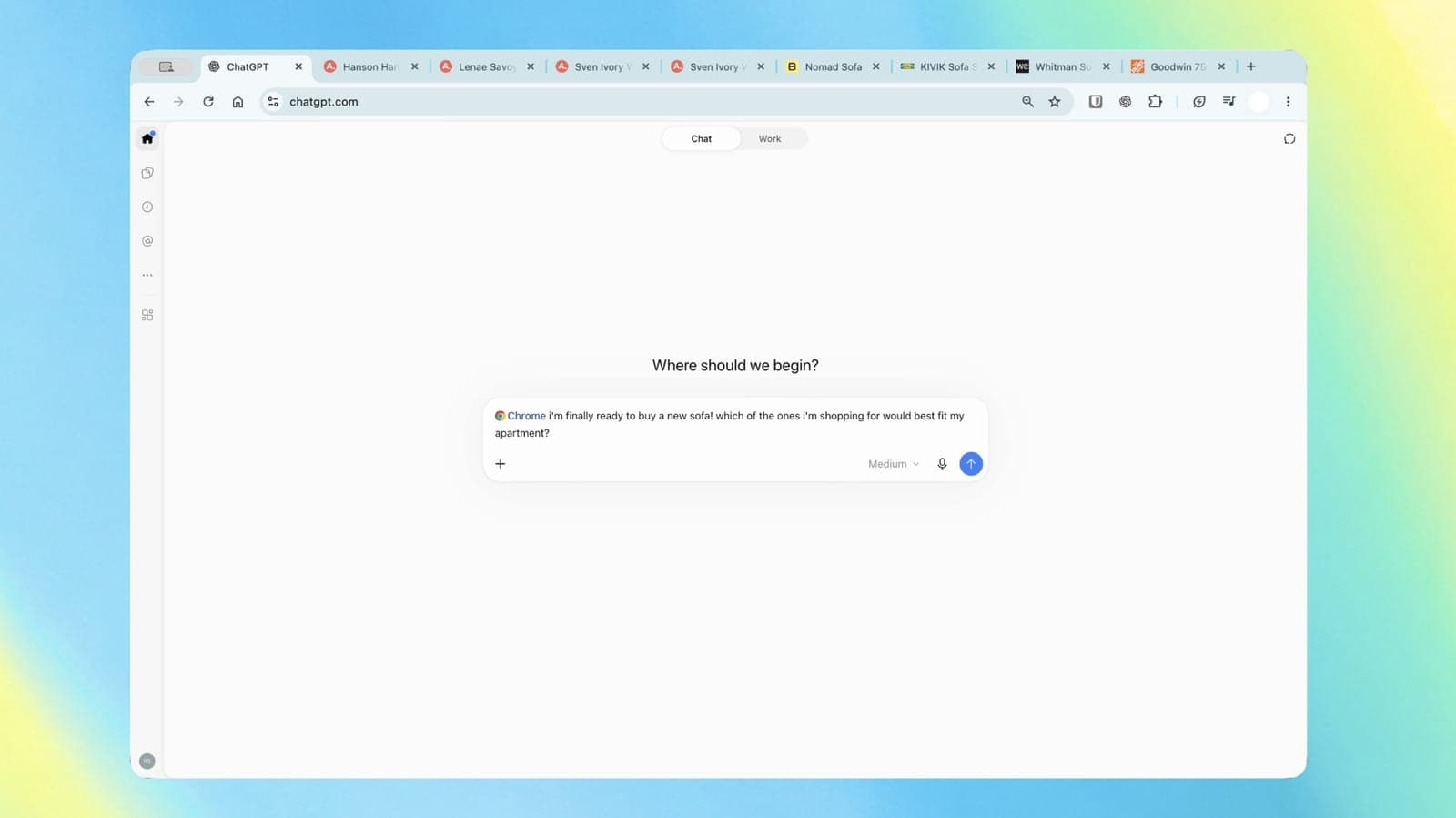
ChatGPT can now read your Chrome tabs and do tasks in them
OpenAI's upgraded Chrome extension lets ChatGPT compare your open tabs, fill out forms and send messages, with the full app now in the sidebar.
Eight US states sue OpenAI over ChatGPT's safety for kids
Iowa, Arizona and six other states filed separate lawsuits saying OpenAI misled families about how safe ChatGPT is for children and vulnerable users.
Claude plans give about 5x the AI usage of ChatGPT's, SemiAnalysis finds
Research firm SemiAnalysis tested how far every AI subscription goes. On the everyday models, a Claude plan buys roughly five times the usage of the matching ChatGPT plan.
More in brief
- Antigravity halves the A1 drone's entry price with watch and ring controlsOct 20
- Perplexity Computer can now run fully on your Mac, even offlineOct 20
- HPE is sending an AI computer to the Moon on Astrolab's FLIP roverOct 20
- Yelp's new AI agent will phone restaurants to check the wait for youOct 20
- Slate opens its first showroom for its $24,950 electric truckOct 20
- TP-Link plans US router assembly at a Mississippi line after the import banOct 19