
AI·News & analysis
Perplexity Computer can now run fully on your Mac, even offline
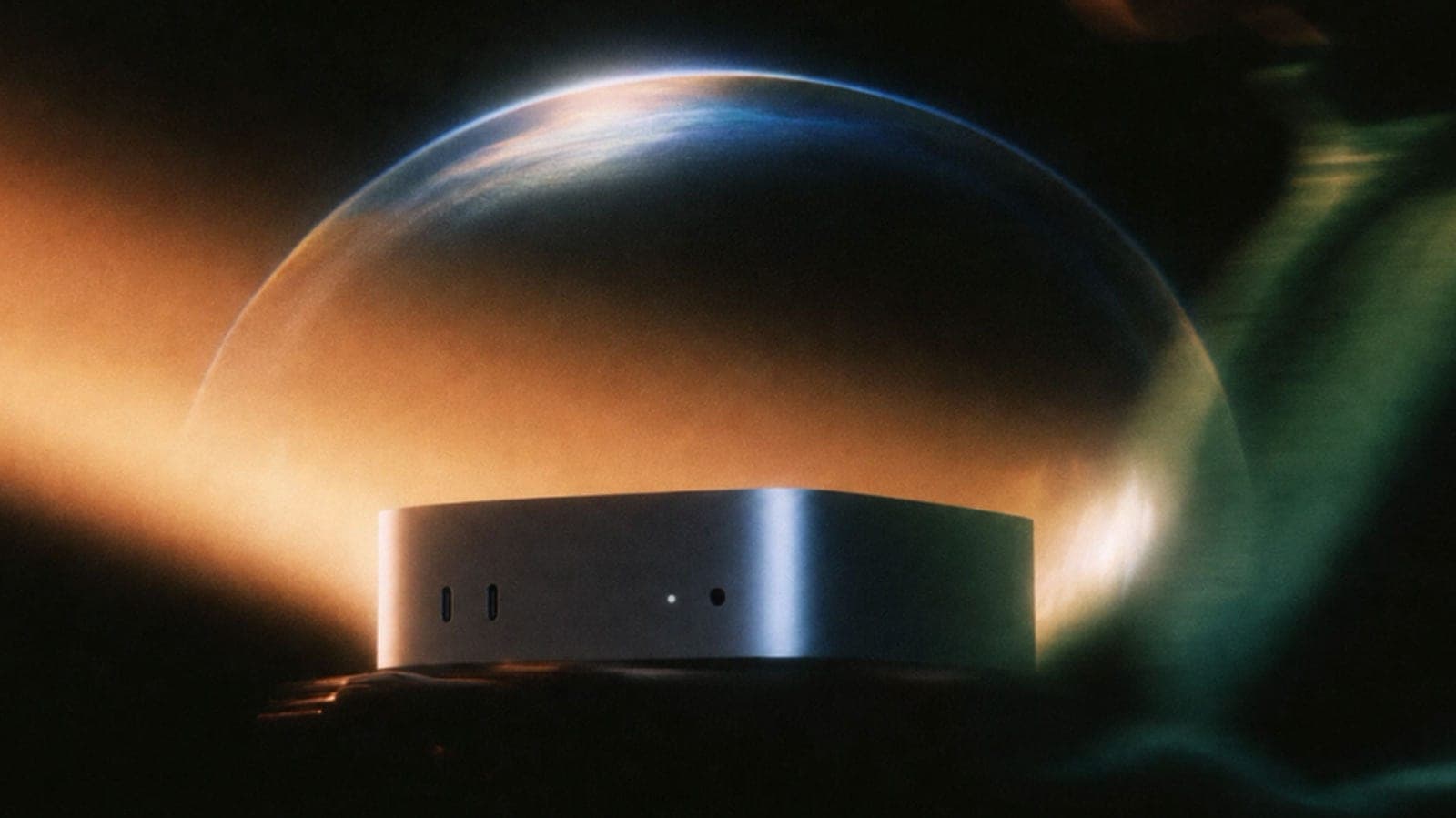
Perplexity's new local-first mode puts the whole Computer agent, model and orchestrator included, on an Apple silicon Mac with at least 36GB of memory.
Tide
Ripple
Sci-fi
5/10
Reality
In your hands
A whole AI assistant living inside your desktop computer.How we rate
Perplexity announced that its Computer agent can now run entirely on a Mac, including the orchestrator that directs each task, even without an internet connection.
It requires an Apple silicon Mac with at least 36GB of memory and runs Qwen 3.6 or PPLX Pro locally. Perplexity Pro, Max and Enterprise subscribers can use it from October 20, 2026. Files reach the cloud only with approval.
What to know
- Perplexity Computer can now run entirely on a Mac, including the harness and orchestrator that direct each task, and it can work without an internet connection.
- It needs an Apple silicon Mac with at least 36GB of unified memory, and it is open to Perplexity Pro, Max and Enterprise subscribers from October 20, 2026.
- You pick one of two local models, Qwen 3.6 or PPLX Pro, Perplexity's own post-trained version of Qwen 3.6.
- Files reach the cloud only when you approve, and you can still call on more than 15 frontier models when a task needs them.
Perplexity announced that its Computer agent can now run entirely on your Mac. So the next time you ask an AI to sort your week, the whole job could happen on the machine in front of you.
Now the fun part: what does "entirely" really mean, and what does your Mac need to pull it off?
What is Perplexity Computer?
It is a suite of AI agents. They can finish tasks on their own, using the web, your files and your apps. Engadget reports that Perplexity debuted Computer in February 2026 and compares it to Claude Cowork.
Since then it has grown into a few products. One is Personal Computer, the Mac version of the agent. Today's news adds a new way to run it.
What changes with the local mode?
Until now, part of the work always happened in Perplexity's cloud. Now it can all happen on your Mac.
9to5Mac describes it as a new local-first mode in the Mac app. It runs both the AI model and the agent directing the task on your computer.
Engadget adds that this covers the "harness" and the "orchestrator". Those are the parts that plan a job and hand out its steps.
Why it matters: Planning, reasoning and file processing can all happen on the device, and 9to5Mac says that includes running tasks with no internet connection.
What kind of Mac do you need?
A fairly strong one. Both Engadget and 9to5Mac give the same bar:
- Chip: an Apple silicon Mac, so a recent model with an M-series chip.
- Memory: at least 36GB of RAM, which Apple calls unified memory.
- App: the latest version of the Perplexity Mac app.
The 36GB requirement is the catch. Plenty of everyday laptops ship with less, so this mode is aimed at people with a well-equipped Mac.
Which models run on your machine?
Two choices at launch, according to Engadget:
- Qwen 3.6: an open model from Alibaba's Qwen family.
- PPLX Pro: a Perplexity offshoot of Qwen 3.6. The company did its own post-training on it to tune it for Computer use.
You download and set up the model through the app. Perplexity's instructions are simple: install the latest Mac app, then follow the in-app steps.
What can it do with your stuff?
With your permission, Computer can work with local files and supported Mac apps. 9to5Mac lists Notes, Messages, Mail and Numbers.
Perplexity gives one example. The agent reviews your recent messages and emails, spots deadlines and writes an action list in Notes.
Engadget describes a similar case: with access to Notes and Mail, you ask Computer for a priority to-do list, and none of the data in your emails is sent to the cloud.
In real life It is Monday morning and your inbox is a wall of replies. You ask Computer to find every deadline this week. It reads your Mail and Messages on your own Mac and drops a short list into Notes, and your emails never leave the machine.
What still goes to the cloud?
Only what you allow. 9to5Mac reports that files reach the cloud only when you approve.
Some jobs need more than your Mac can offer. Users can still authorize cloud access when a task needs current information, browser use or connected apps.
If a task would benefit from a stronger system, you can let a frontier model chip in. Engadget says you can authorize Computer to call on one of more than 15 models.
The catch: the local mode is a choice, not a lock. The more of the job you keep on your Mac, the less the cloud sees, and that trade is yours to make per task.
How is it kept safe?
Computer can run code and use tools, so Perplexity keeps that work contained. Any code or tool execution a task needs is done in an isolated sandbox environment, Engadget reports.
Perplexity says the same security protocols apply in the cloud version of Perplexity Computer. In its words, they "persist in the cloud version."
How does this follow Hybrid Compute?
It is the next step. At the start of September, Perplexity introduced Hybrid Compute, which splits a task between a frontier cloud model and a model running on your Mac. Engadget and 9to5Mac both point to it as the lead-up.
Here is how the two modes compare, based on their reporting:
| Mode | Where the work happens |
|---|---|
| Hybrid Compute | Split between cloud models and a local model |
| Local-first | The model and the agent both run on the Mac |
Hybrid Compute is not going away. 9to5Mac says it remains available in the same Mac app.
When Hybrid Compute launched, Perplexity's Jon Staff, who oversees the company's Mac products, told Engadget that a fully frontier output is "going to almost always be better in terms of raw artifact creation." He added that some users care more about privacy and cost than about the strongest model.
Why is Perplexity pushing local AI?
Two reasons, and the company states both. Perplexity pitches the feature to users who want to keep their data private and to those who want to stay thrifty with credits.
The company explains the bet like this:
"As more demanding workflows become practical to run locally, the machines people already own will take on a larger share of their AI work. This gives users more control over sensitive data and credit spend."
At the Hybrid Compute launch, Engadget reported that locally generated tokens are not charged to you. The idea is that a Mac you already paid for does some of the work.
Can you start a task from your iPhone?
That was possible with Hybrid Compute, and it is the same app. Engadget reported at that launch that you can use an iPhone to queue up tasks.
Unite.ai adds that Perplexity pointed to a dedicated, always-on Mac mini as a good home for local AI. You control it from your iPhone, while the Mac does the heavy lifting at home.
Perplexity also said Apple's new Mac mini and Mac Studio, announced in late August, suit this kind of work. It credited the speed of Apple silicon and the way unified memory serves local AI.
Who gets it, and when?
Perplexity Pro, Max and Enterprise subscribers can start using Computer locally on October 20, 2026, Engadget reports. 9to5Mac confirms the same three plans.
The steps are short:
- Update: download and install the latest Perplexity Mac app.
- Choose: pick Qwen 3.6 or PPLX Pro as your local model.
- Install: follow the in-app instructions to download the model.
- Run: give Computer a task and decide what it may touch.
What's next: Perplexity has not said which other models or devices it plans to add to the local mode. For now it is a Mac feature.
What it means for you
- Check your memory: you need an Apple silicon Mac with at least 36GB of unified memory.
- Be a subscriber: the local mode is for Pro, Max and Enterprise plans.
- Keep private jobs at home: Mail, Messages and Notes tasks can run without sending their contents to the cloud.
- Stay in control: you decide when a task may reach out for current information or a frontier model.
The bottom line
Perplexity has moved its whole Computer agent onto the Mac, model and orchestrator included, and it can work offline. The 36GB bar is high, but for those who clear it, private tasks no longer need the cloud. It is a clear sign that the machines we already own are becoming AI machines.
Key facts
- Feature
- Local-first mode for Perplexity Computer on Mac
- Memory needed
- Apple silicon Mac, at least 36GB of unified memory
- Local models
- Qwen 3.6 and PPLX Pro
- Who gets it
- Perplexity Pro, Max and Enterprise, from October 20, 2026
- Works with
- Notes, Messages, Mail and Numbers, with permission
Got questions?
Quick answers, plain wordsWhat is Perplexity Computer?
It is Perplexity's suite of AI agents that can complete tasks on their own using the web, files and apps. Engadget notes it debuted in February 2026 and compares it to Claude Cowork.
What does local-first mode do?
It runs the AI model and the agent that directs the task on your Mac. According to 9to5Mac, planning, reasoning and file processing can all happen on the device, including without an internet connection.
What Mac do I need?
An Apple silicon Mac. Engadget says it needs at least 36GB of RAM, and 9to5Mac says at least 36GB of unified memory for the best experience.
Which models can I run locally?
Two at launch: Qwen 3.6 and PPLX Pro. PPLX Pro is Perplexity's version of Qwen 3.6, post-trained by the company to work well with Computer.
Can it really work offline?
9to5Mac says the mode includes running tasks without an internet connection. Tasks that need current information, browser use or connected apps still need you to authorize cloud access.
Which apps can it use?
With your permission, Computer can work with local files and supported Mac apps, including Notes, Messages, Mail and Numbers, 9to5Mac reports.
Who can use it?
Perplexity Pro, Max and Enterprise subscribers can start using Computer locally from October 20, 2026, Engadget reports.
How do I set it up?
Install the latest Perplexity Mac app, then follow the in-app instructions to download and install a local model on your machine.
Does my data stay on my Mac?
Planning, reasoning and file processing can stay on the Mac, and files only reach the cloud when you approve, 9to5Mac reports. Engadget adds that code and tool execution runs in an isolated sandbox.
What happened to Hybrid Compute?
It stays. 9to5Mac says Hybrid Compute remains available in the same Mac app, so you can still split a task between cloud models and a local one.
SourcesPerplexity
Topics and tagsApple, AI agents, perplexity, local ai
Go deeper
Related guide
Guide, 8 minHow to choose an AI assistant: ChatGPT, Claude, Gemini and moreA plain-English way to pick between ChatGPT, Claude, Gemini, Copilot, Perplexity and Meta AI: start free, match the tool to your main...Related stories
Yelp's new AI agent will phone restaurants to check the wait for you
Yelp's Check for Me calls a restaurant, asks about the wait and texts you the answer. It arrives with OpenTable booking, My Lists and a $30 tool for service pros.

MIT left Claude alone on a virtual island for 30 hours, and it started to play
With no task and no reward, 13 copies of Claude Opus 4.7 climbed hills, invented basketball and drew constellations in stone. The agents that played later beat fresh copies at real tasks.

Four Gemini 4 Argon agents beat Minecraft with no human help
Google DeepMind researchers gave four AI agents one goal, defeat the Ender Dragon, and no game tools. Twenty-seven hours and 605 deaths later, the dragon fell.
More in brief
- Antigravity halves the A1 drone's entry price with watch and ring controlsOct 20
- HPE is sending an AI computer to the Moon on Astrolab's FLIP roverOct 20
- Slate opens its first showroom for its $24,950 electric truckOct 20
- TP-Link plans US router assembly at a Mississippi line after the import banOct 19
- DHS orders federal agencies to remove DeepSeek and stop buying itOct 19
- World launches a World ID suite for banks to fight deepfake fraudOct 19